Social Media Design for Content Creators
Social Media Designs3 min read
Written by Sameena SultanaPublished Updated
As a content creator, your success hinges on how quickly and effectively your visuals can capture attention, communicate value, and spark engagement. The platforms have changed, the audiences are savvier, and the algorithms are smarter than ever.
Did you know?
- Posts with visuals drive 650% more engagement than text-only updates (Venngage)
- Instagram videos receive 49% more engagement than static posts (ZebraCat)
- Interactive content keeps users engaged 47% longer on LinkedIn (Socialpilot)
The takeaway? Your visuals define your visibility.
This guide dives into what content creators really need to succeed on social in 2026 covering design best practices, emerging trends, essential tools, and smart strategies to elevate your brand with every scroll.
Let’s break down what separates standout creators from the ones getting buried by the feed
TL;DR
This guide explores…
- Use motion graphics, 3D elements, or AR for higher engagement
- Align designs with platform-specific algorithms (Instagram, TikTok, LinkedIn)
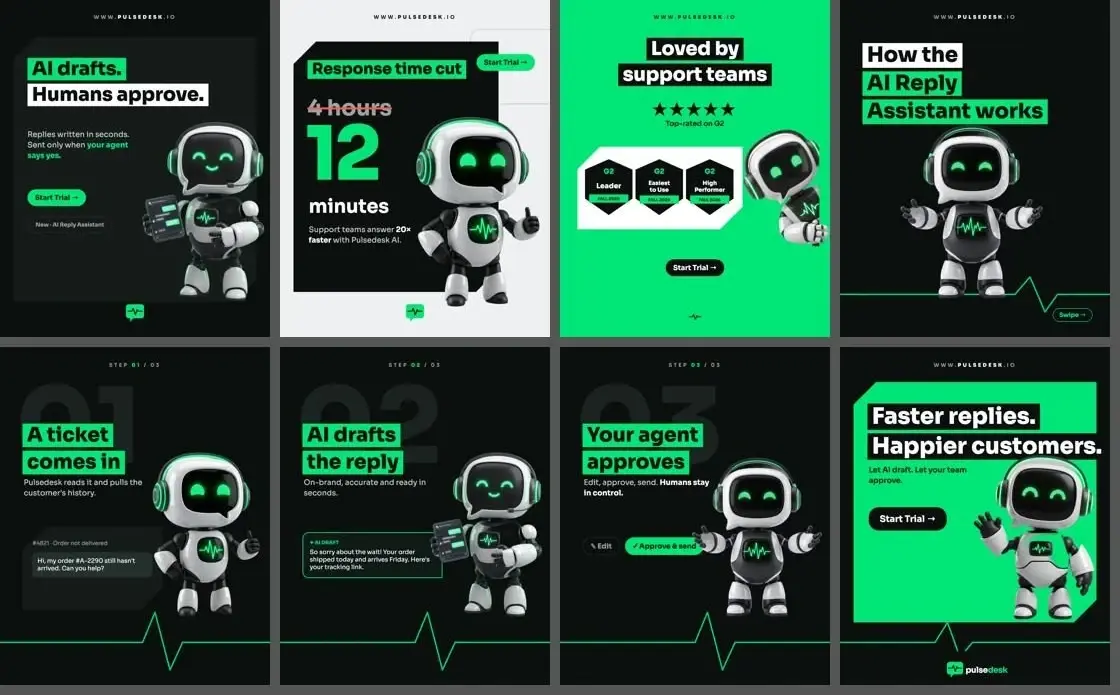
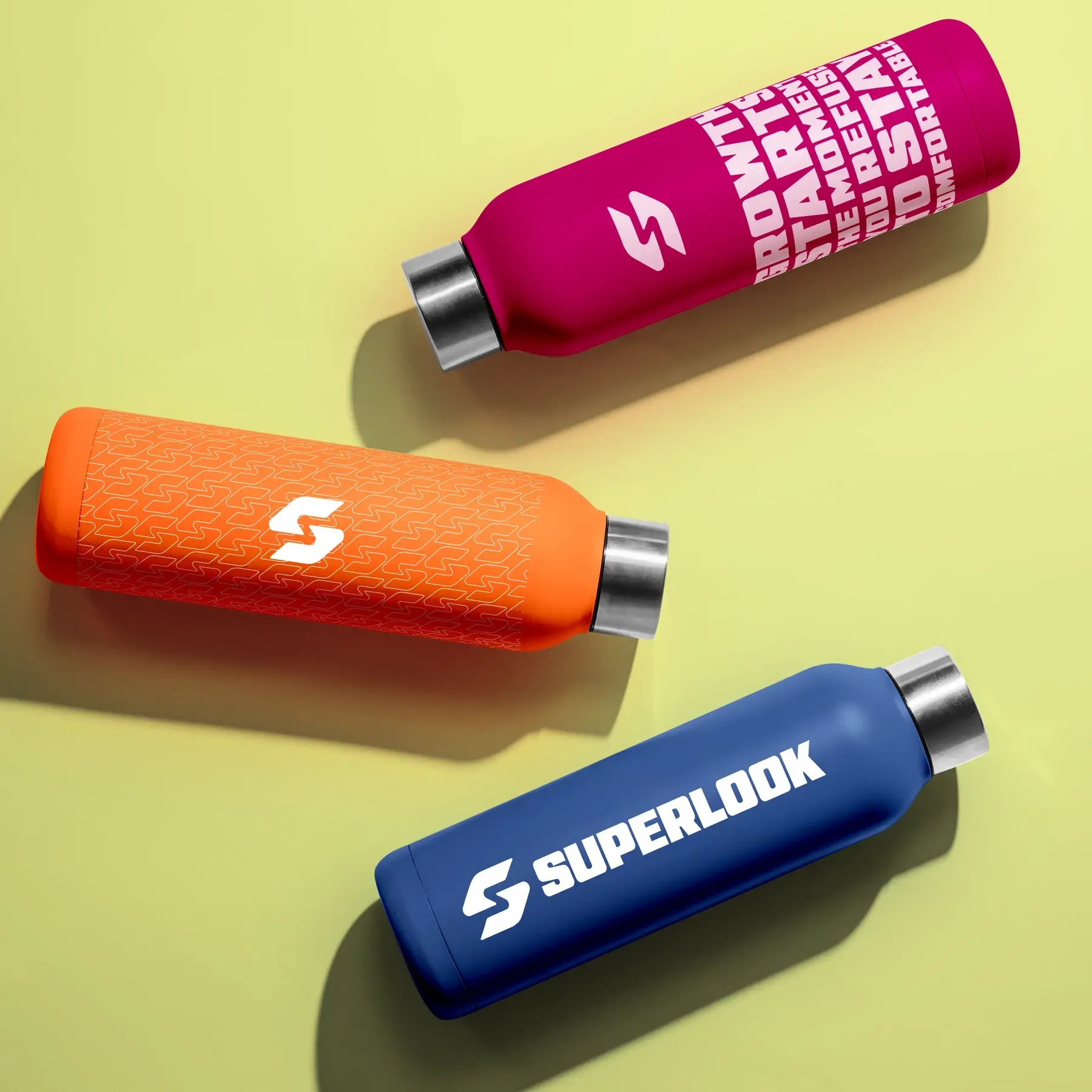
- Maintain visual consistency through branded templates
- Use tools like Canva, Adobe Express, and Figma to scale design production
- Track performance data to iterate visual strategies
2026's Visual Algorithm Decoded
The New Engagement Triggers
- AI-Scored "Aesthetic Cohesion" (Your feed's visual harmony now impacts reach)
- Micro-Interaction Design (How elements move in first 0.5 seconds)
- Neuromorphic Elements (3D buttons that trick the brain into tapping)
Platform-Specific Design Tactics
Instagram & Threads
- Use vertical video formats (9:16) for Reels
- Incorporate gradients and duotones, a hot 2026 trend
- Use branded cover thumbnails to maintain grid consistency
- Use Tilt Scroll" optimized vertical carousels
TikTok
- Use motion + text overlays to hook in the first 3 seconds
- Include closed captions for accessibility and algorithm boost
- Leverage animated backgrounds or AR filters
- Infographic carousels and minimalist quote designs perform best
- Use clean, muted color palettes for professionalism
- Always embed value in the first slide or image
YouTube Shorts
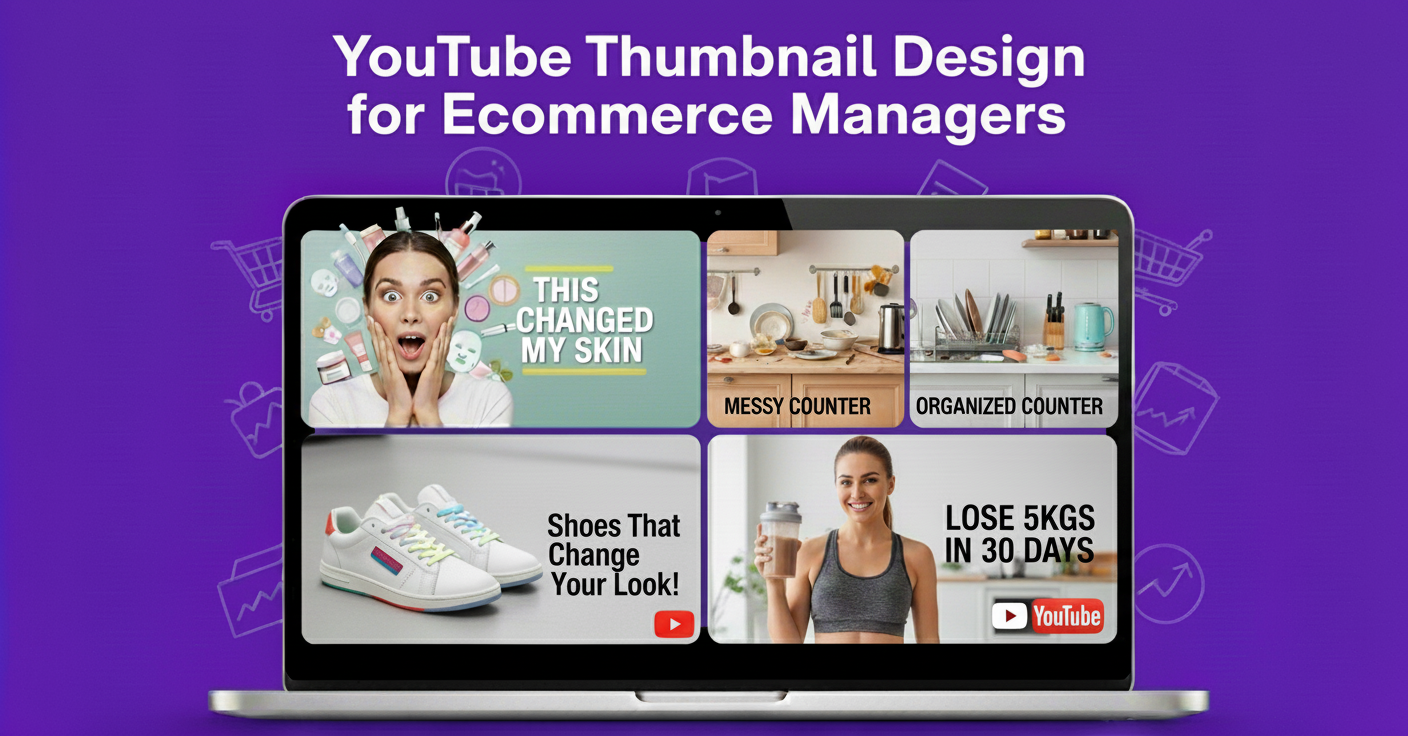
- Design high-contrast thumbnails that still look good on mobile
- Avoid clutter; focus on 1 subject with bold type
Tools Every Content Creator Should Use in 2026
Creating standout content in 2026 means using a blend of AI-powered creativity, platform-specific editing, and workflow efficiency tools.
Here's your ultimate creator stack
Must-Learn Tools (Free & Paid)
Tool | Use Case | Why It Matters in 2025 |
Adobe Firefly 3 | Text-to-4D content | Create dynamic, immersive visuals with AI |
Canva Magic Studio | AI-powered template adaptation | Auto-adjust content to fit any platform |
Pika Labs | 3D element generation | Bring still visuals to life with 3D animation |
Kaiber | Audio-reactive visuals | Sync motion design to sound for more engagement |
Luma AI | 3D model creation from phone scans | Turn real-life objects into digital assets |
CapCut | Short-form video editing | Essential for TikTok, Reels, YouTube Shorts |
RunwayML | AI-generated content/video | Instantly turn text into short videos or images |
Figma | Visual systems for socials | Perfect for template libraries and team design |
Notion + Super.so | Content planning dashboards | Centralize your visual strategy with publishing tools |
The New Workflow for Creators
- AI Moodboarding: Use Midjourney with Pinterest AI to build moodboards that inspire content themes and color stories.
- Dynamic Template Creation: Combine Canva for rapid creation with Figma for scalable, branded systems.
- Platform-Specific Augmentation: Add AR filters or effects using Spark AR (Instagram/Facebook) and TikTok Effect House.
- Performance Previews: Use Meta's AI Simulator to test your visual’s potential reach or appeal before posting.
Pro Tip: Design isn’t just about how it looks—it's how it performs. Match your creative with platform behaviors and format specs from the start.
Design Strategies That Drive Engagement
- Hook Within Seconds: 65% of viewers scroll away in 3 seconds if visuals aren't compelling.
- Color Psychology: Use red for urgency, blue for trust, yellow for creativity.
- Consistency Wins: Use templates, font kits, and preset color palettes to stay recognizable.
- Use of Micro-Animations: Small interactive elements like blinking arrows, hover effects, or looped icons.
2026's Viral Design Formulas
The "Algorithm Whisperer" Framework
- 0-0.5s: Holographic attention grabber
- 0.5-2s: AI-customized visual hook (changes per viewer)
- 2s+: Neuromorphic CTA (button that "pulses" when looked at)
Post Types Crushing It
- AI Duets: Your face + AI-generated scene
- Reactive Infographics: Changes based on time/day/weather
- Choose-Your-Adventure Stories: Swipe-based narrative visuals
Beating the 2026 Algorithm
The New Metrics That Matter
- Dwell Time Score (How long eyes stay on visual elements)
- Interaction Depth (Zooming/pinching/rotating engagement)
- AI Aesthetic Grade (Platform's rating of your visual quality)
Proved Optimization Tactics
- "AI Baiting" (Hidden elements only algorithms detect)
- Biometric Sync (Colors that trigger dopamine via screen sensors)
- Algorithm Mirroring (Matching platform's own UI patterns)
Final Take: Design Smarter, Not Harder
In the content economy of 2026, visual design is your algorithmic passport. It’s no longer just about looking good it’s about performing well across platforms optimized for speed, interaction, and personalization.
Content creators who invest in their visual identity, adopt cutting-edge tools, and adapt to each platform’s design expectations are the ones who win the scroll war.
Whether you’re a solopreneur or leading a small team, design fluency is now as important as storytelling. Start with branded templates, automate your workflow with AI, and test everything. Your audience doesn’t just want to be informed; they want to be visually wowed.
Frequently asked questions
How do I choose the right design tool for my content?
Choose based on your content type: Canva and Adobe Express are great for static and animated posts, while RunwayML and CapCut work well for video.
Are 3D or AR elements necessary for engagement?
Not mandatory, but creators using 3D/AR see up to 3x more watch time, especially on TikTok and Instagram Reels.
What’s the best way to test if a design is working?
Use A/B testing with thumbnails or post variations. Track performance through tools like Metricool, Later, or native platform analytics.
How often should I update my design strategy?
Reassess quarterly based on performance data and trends. Platforms like LinkedIn and TikTok release new design best practices regularly.
Should all my posts follow the same design template?
Keep a consistent brand look, but vary formats (e.g., carousels, reels, infographics) to avoid audience fatigue.
How can I stand out in oversaturated feeds?
Use motion-first design, platform-specific formatting, strong typography, and a branded visual hook in the first 2 seconds.
About the author