10 Best Flyer Design Software Tools in 2026
Flyer Design6 min read
Written by Sameena SultanaPublished Updated
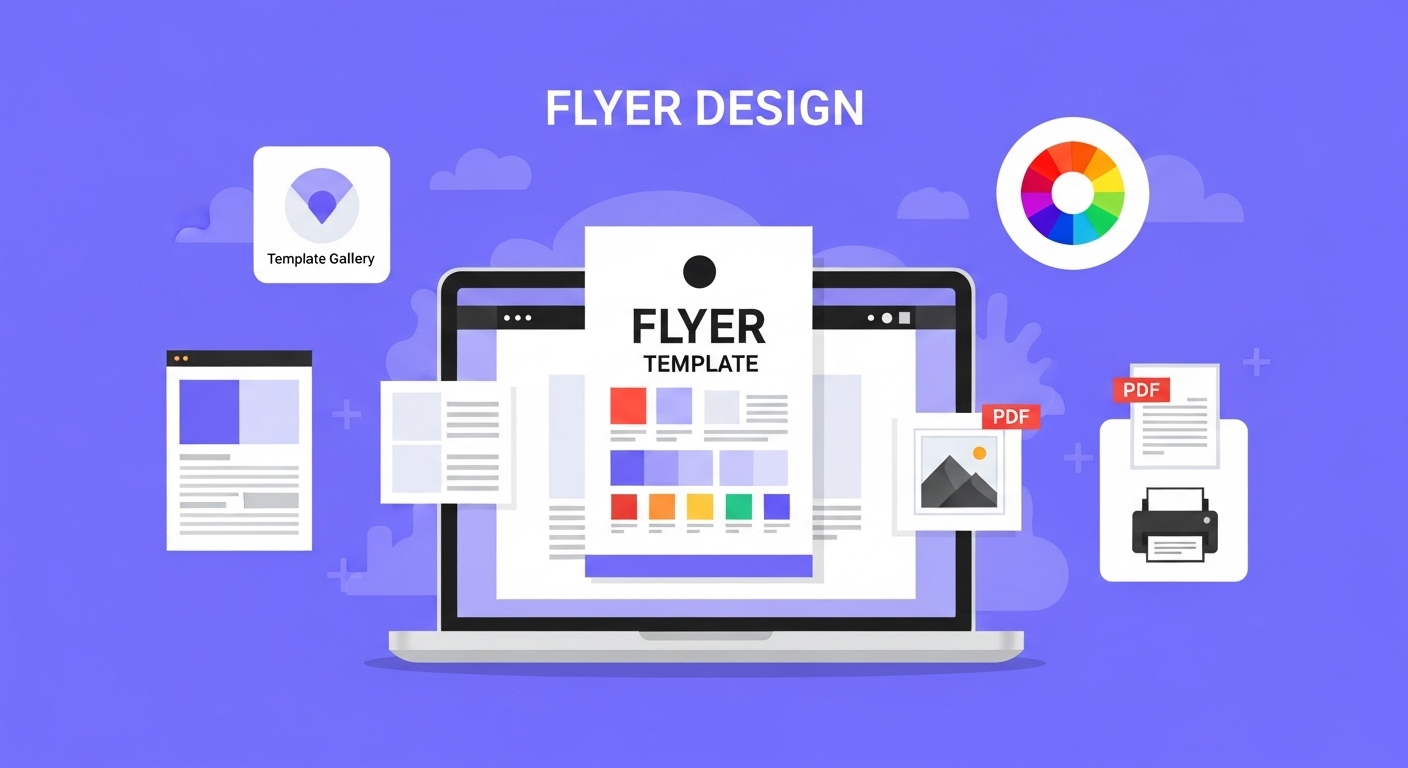
The best flyer design software for you depends on two things. Your skill level, and where the flyer will end up. For most beginners and small businesses, Canva or Adobe Express is the quickest start. For professional print work, Adobe InDesign is still the standard, and Affinity now gives you pro layout tools for free.
Flyer design software is any app or program you use to lay out text, images and branding for a printed or digital flyer. Looking for the best software to make flyers? Below, we compare 10 tools on free options, platforms and skill level, from free apps to desktop publishing software for leaflets and brochures. Start with the table. Then read the full reviews.
TL;DR
- If you need to create flyers in 2026, you’ve got plenty of choices, from beginner-friendly apps like Canva and Adobe Express, to professional-grade tools like InDesign, Figma, and Affinity.
- Event-focused tools like PosterMyWall or brand-focused platforms like Marq (formerly Lucidpress) can help if you need speed and consistency. Free options like GIMP are great if you’re on a budget, while VistaCreate adds animations for social media flyers.
- But if you’d rather skip the DIY struggle, unlimited graphic design services like Design Shifu give you custom-made flyers (and more) at a flat monthly cost saving time while ensuring professional quality.
Why Professional Flyer Design Matters More Than Ever
Before diving into our software recommendations, it's worth understanding why investing in quality flyer design software pays off. In today's visual-first world, consumers make split-second decisions about engaging with your content.
A professionally designed flyer not only captures attention but also builds credibility and trust with your audience.
That makes your choice of flyer design software a business decision, not just a creative one.
Flyer Design Software Compared
Software | Best for | Free option | Works on | Skill level |
|---|---|---|---|---|
Canva | Beginners and small businesses | Free plan | Web, Windows, Mac, iOS, Android | Beginner |
Adobe InDesign | Professional print layouts | 7-day free trial | Windows, Mac, iPad | Advanced |
Adobe Express | Quick flyers with Adobe assets | Free plan | Web browser, mobile | Beginner |
Figma | Teams designing together | Free Starter plan | Web, Windows, Mac, iOS, Android | Intermediate |
Affinity | Pro layouts with no subscription | Free with a Canva account | Windows, Mac | Intermediate to advanced |
PosterMyWall | Event flyers | Free plan | Web, iOS, Android | Beginner |
GIMP | Photo-heavy flyers on no budget | Free and open source | Windows, Mac, Linux | Intermediate |
Marq | Brand-locked templates for teams | Free plan | Web | Beginner |
VistaCreate | Animated social media flyers | Free plan | Web, iOS, Android | Beginner |
Venngage | A first draft from a text brief | Free plan (no downloads) | Web | Beginner |
Free plans and prices checked on each tool's website in November 2026.
10 Best Software To Make Flyers
1. Canva - The Easy Design Choice for the People
- Best for: Beginners and small businesses
- Price: Free tier available, Pro tiers start at $14.99/month
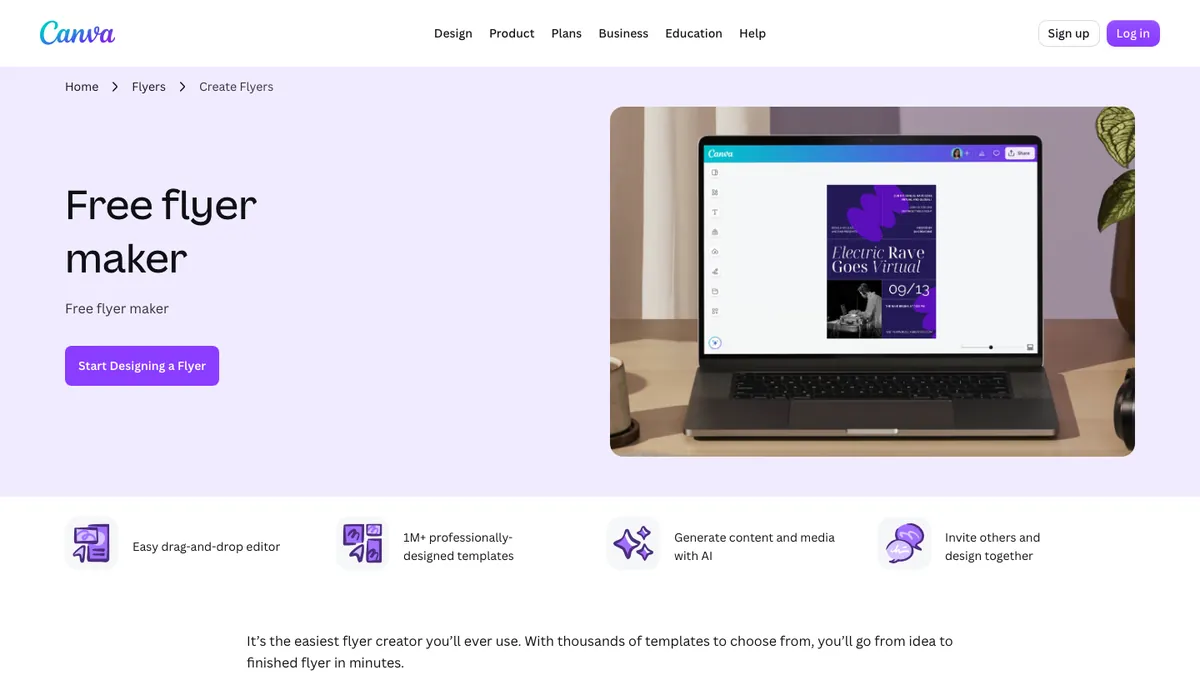
Canva has totally changed flyer design for the public by making professional-quality graphics available to everyone. With over 250,000 templates specifically for flyers, and an easy drag-and-drop interface, it's hard to understand why so many wouldn't choose to design with Canva.
What makes Canva unique is the huge selection of stock photos, images, icons, and fonts it offers. Even a complete novice can create a sophisticated flyer in virtually no time at all, thanks to the platform's visual AI recommendations and the collaboration capabilities are ideal for teams that want to team up on marketing campaigns.
As far as the graphic design community goes, Canva may be a little too limited in its customization abilities for true design, but it has certainly opened the door for even amateurs to have professional-looking flyers and graphics.
2. Adobe InDesign - The Industry Standard
- Best for: Professional designers and agencies
- Cost: $22.99/month for InDesign alone on an annual plan, billed monthly (7-day free trial)
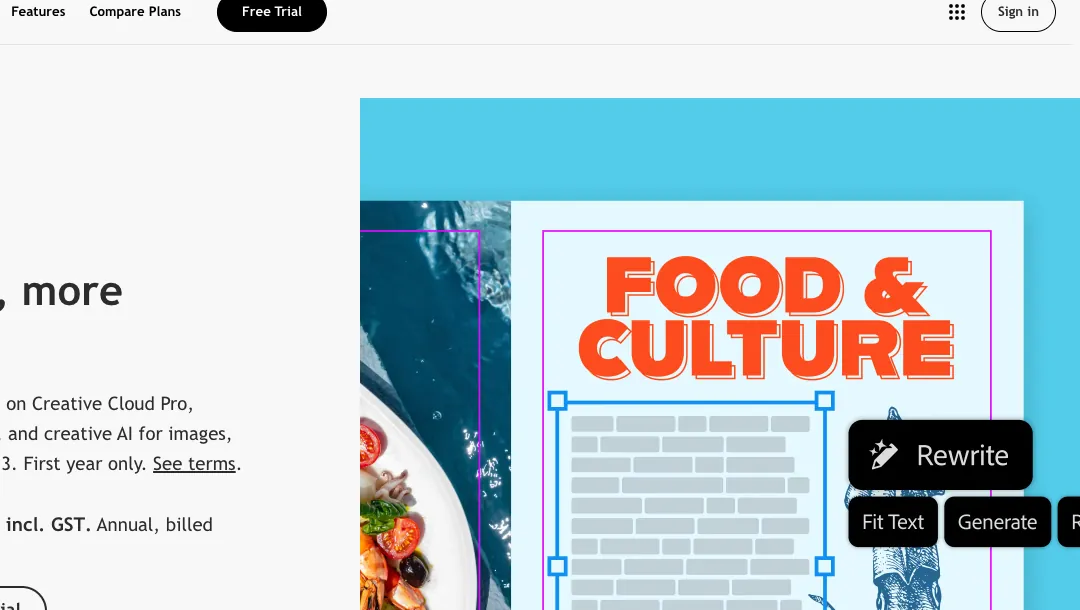
Adobe InDesign is commonly accepted as the go-to option for professional flyer design. It is professional desktop publishing software that gives you total control and precision over every rectangular piece of design space.
InDesign shines when it comes to complex layouts, high-end typography, and print preparation. For professional designers, the workflow with the other Adobe Creative Suite programs is seamless.
It doesn't even matter what color space you are using since InDesign has so many effective color management and print optimization tools. No matter which screen or piece of paper your flyers are shown on, they will always look perfect.
While there is a learning curve, InDesign consistently executes professional products for businesses that require high-quality marketing material.
3. Adobe Express - Streamlined Adobe Power
- Best for: Content creators and social media managers
- Pricing: Free plan, Premium $9.99/month
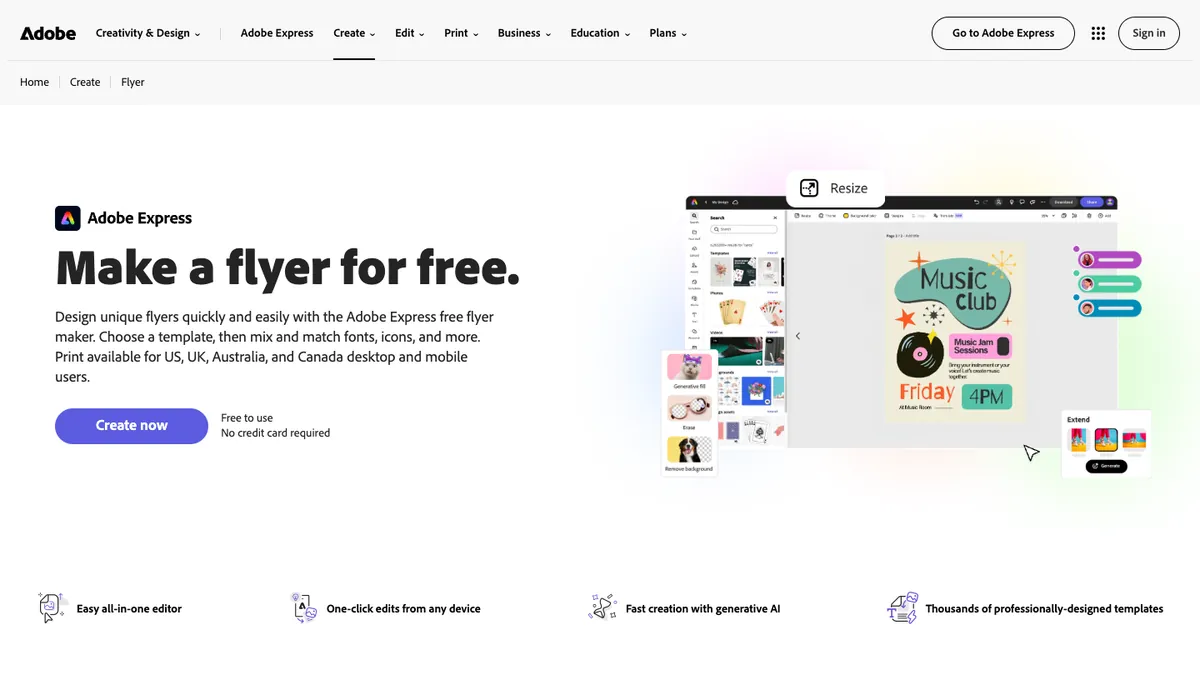
Adobe Express sits somewhere between the simplicity of Canva and full functionality of InDesign. Being a web-based tool, Adobe Express is easy to use, while having many professional features offered by Adobe.
You cannot talk about Adobe Express without mentioning 'quick actions', which allows designers to rapidly resize their designs and create the exact same design across different platforms, which will save time.
Adobe Stock is also integrated into Adobe Express, so if any image or graphic is needed, it is literally at your fingertips (millions of images and graphics!). Also, you can animate stuff, which gives digital flyers a multi-dimensional aspect.
Adobe Express is no InDesign, but for users who may want something in-between simple tools and professional software, it is perfect!
4. Figma - The Collaborative Design Powerhouse
- Best for: Teams and UI/UX designers
- Pricing: Free Starter plan, Professional from $16/month per full seat
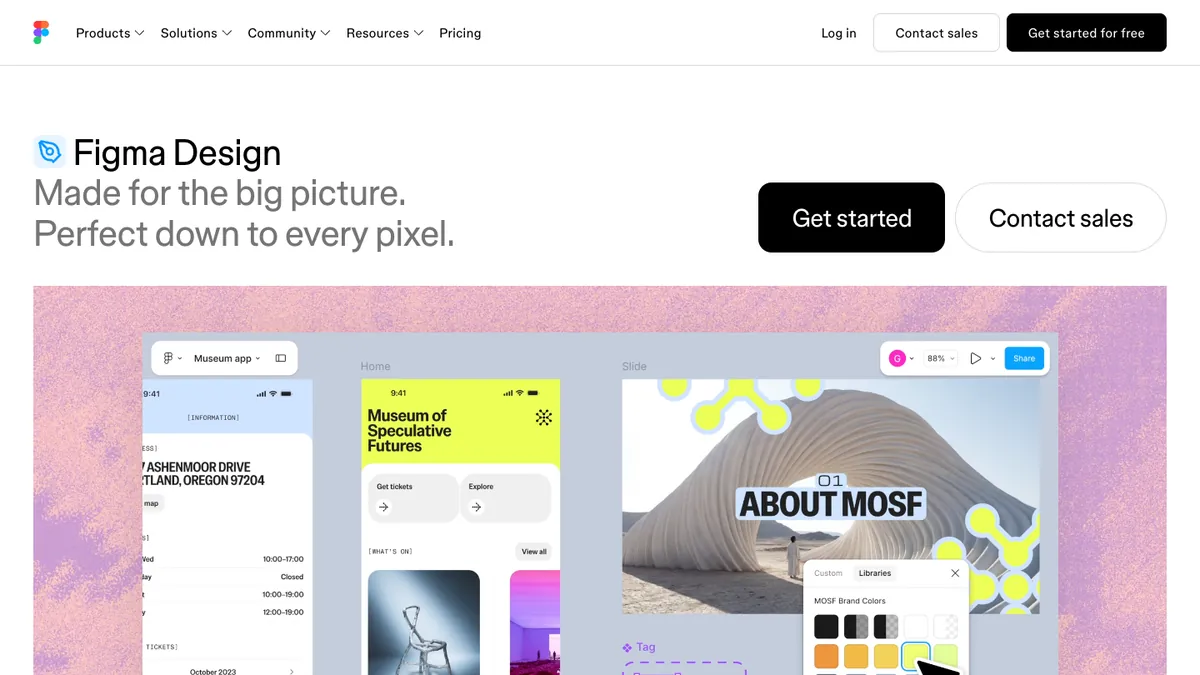
Originally designed for web and app interfaces, Figma has become increasingly popular for marketing materials like flyers. Its real-time collaboration features make it exceptional for teams working together on design projects.
Figma's vector-based approach ensures crisp, scalable designs perfect for both digital and print applications. The component system allows designers to create consistent brand elements across multiple flyers. Its robust prototyping features are particularly useful for interactive digital flyers.
The interface may feel unfamiliar to traditional graphic designers, but its collaborative capabilities are unmatched.
5. Affinity (formerly Affinity Publisher) - The Free Adobe Alternative
- Best for: Budget-conscious professionals
- Pricing: Free with a free Canva account
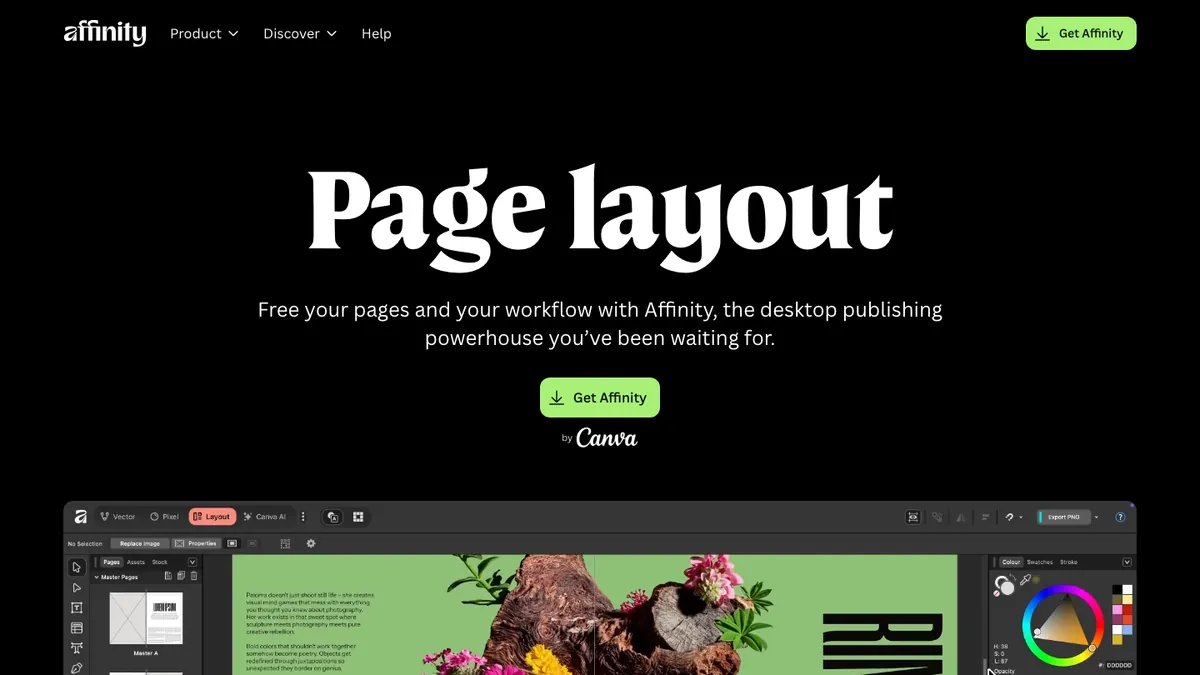
Affinity Publisher is now part of Affinity, which Canva made free. Its Layout studio offers professional-grade desktop publishing with no subscription and no one-time fee. This makes it an attractive alternative for freelancers and small businesses looking for powerful flyer design capabilities.
The software provides advanced typography controls, precise layout tools, and professional printing features comparable to InDesign. Its seamless integration with Affinity Photo and Designer creates a complete creative suite at a fraction of Adobe's cost.
While the learning resources aren't as extensive as Adobe's, the one-time purchase model makes it a cost-effective long-term solution.
6. PosterMyWall - Event Flyer Specialist
- Best for: Event organizers and local businesses
- Pricing: Free tier available, Premium at $9.95/month
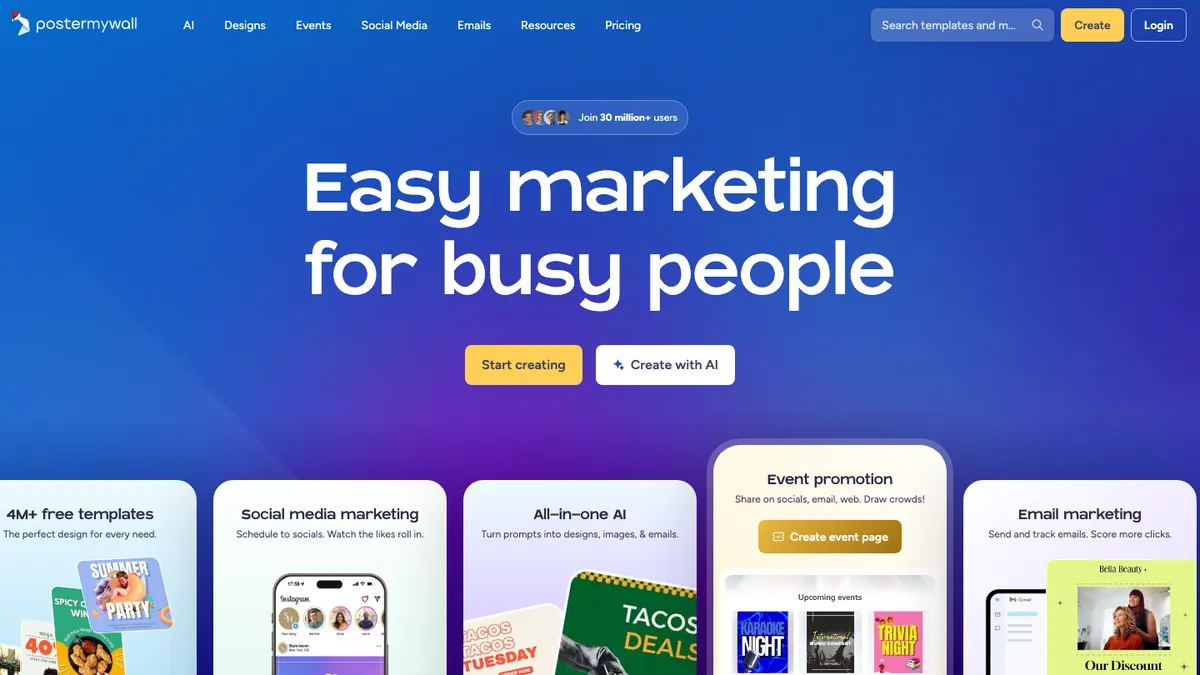
PosterMyWall specifically targets flyer creation with thousands of templates designed for events, promotions, and business announcements. The platform's focus on flyers shows in its specialized features and targeted template categories.
The automated resizing feature helps create consistent campaigns across multiple platforms. Its social media scheduling integration streamlines the entire marketing process from design to distribution.
While not suitable for complex design work, PosterMyWall excels at quick, effective flyer creation for specific purposes.
7. GIMP - The Fully Free Professional Alternative
- Best For: Budget-users who have some technical capabilities
- Pricing: Free
GIMP (GNU Image Manipulation Program) is surprisingly powerful for flyer design and has a price tag of $0. While GIMP is best known as a photo-editing program, it has a sufficient variety of text and layout tools that can allow for some truly excellent flyers.
GIMP has an entire community of plugins that allow users to customize the extent of GIMP to meet their needs. If you're happy to spend considerable time learning and configuring to take advantage of its many merits, GIMP will allow for professional-quality flyers to be produced without requiring a monetary investment.
The interface, in contrast to more modern design tools, feels dated and clunky, and the learning curve is steep. However, for those budget creators, the price of free should earn your consideration.
One of GIMP's most useful features for flyer designers is its ability to remove image backgrounds. If you're new to the process, check out our step-by-step guide on removing backgrounds in GIMP before creating your flyer
8. Marq (formerly Lucidpress) - Brand-Focused Design
- Best for: Brand-conscious businesses
- Pricing: Free plan available, Pro from $10/month billed annually ($15 billed monthly)
Lucidpress is now called Marq, and it still emphasizes brand consistency across all marketing materials. Its brand kit functionality ensures every flyer maintains consistent colors, fonts, and logos across your organization.
The template locking feature prevents team members from accidentally modifying brand elements while still allowing creative freedom. This makes it perfect for franchises or larger organizations with multiple people creating marketing materials.
The design capabilities are somewhat limited compared to dedicated graphic design software, but the brand management features make up for this shortcoming.
9. Crello (now VistaCreate) - Animation-Ready Design
- Best for: Social media marketers
- Pricing: Free tier available, Pro plans start at $10/month
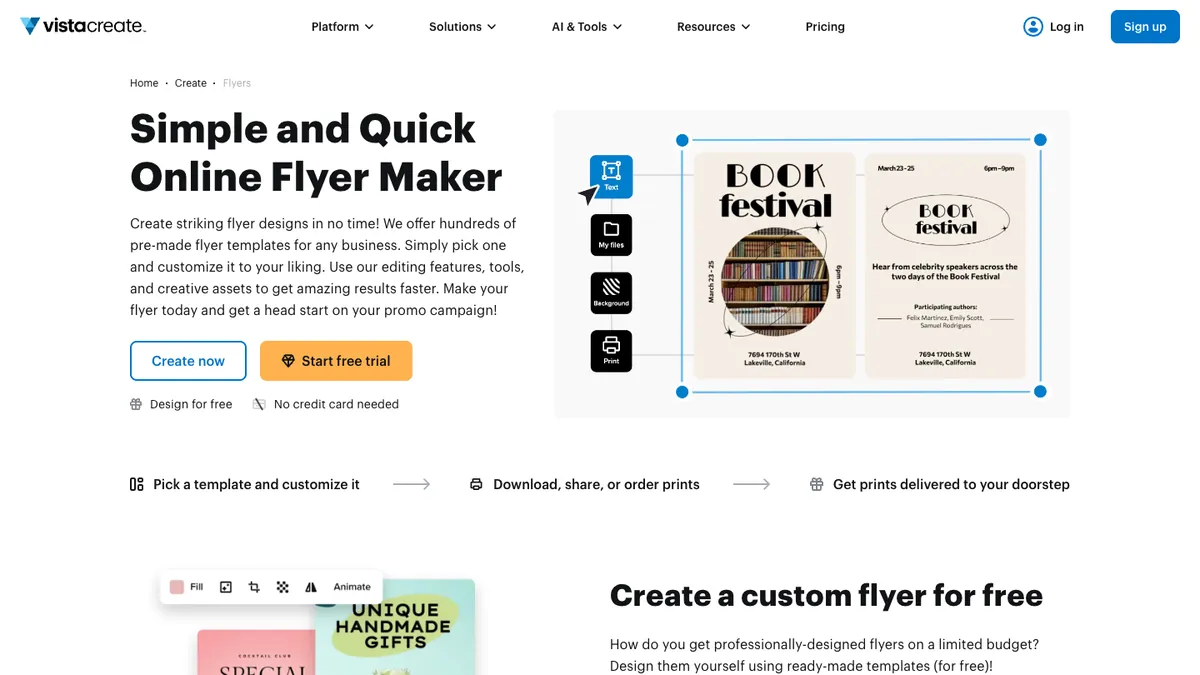
Now rebranded as VistaCreate, this platform specializes in animated designs perfect for digital flyers. The extensive library includes video backgrounds and animated elements that make flyers stand out in crowded social media feeds.
The platform's strength lies in creating eye-catching digital content that performs well on social platforms. Its integration with various stock photo services provides extensive visual resources.
Print capabilities are limited, making this primarily suitable for digital flyer distribution.
10. Venngage AI Flyer Generator - Flyers From a Text Brief
- Best for: Beginners and small businesses who want a first draft fast
- Pricing: Free plan available (no downloads), Premium from $10/month billed annually ($19 billed monthly)
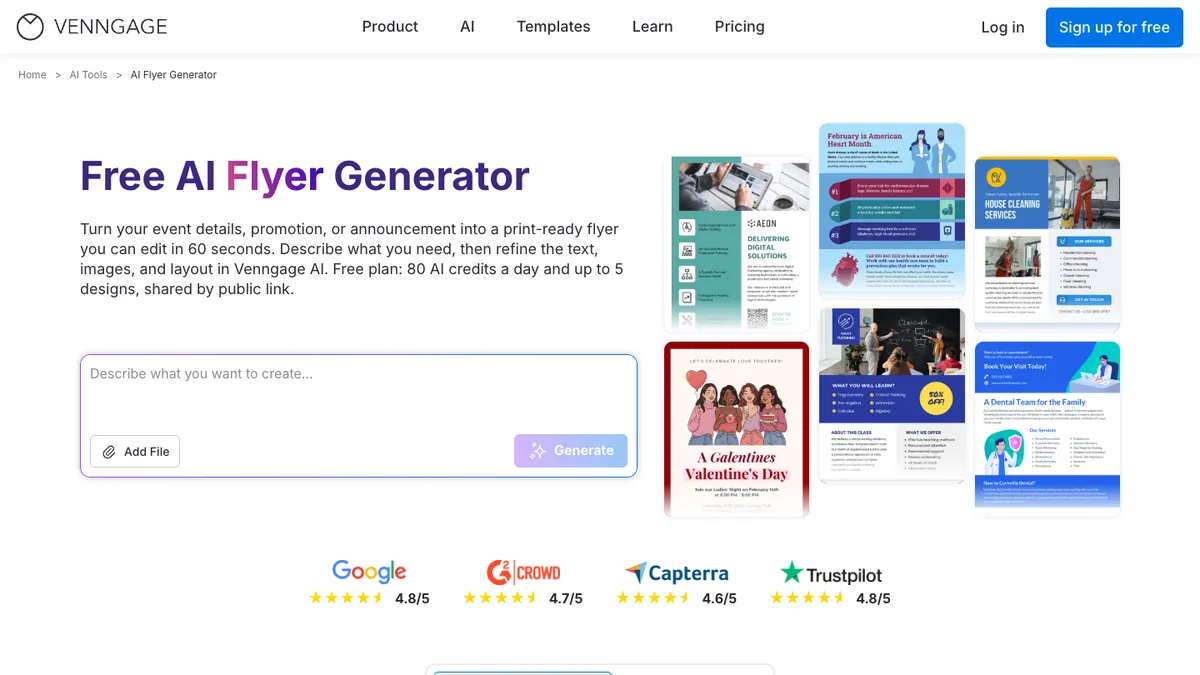
The Venngage AI flyer generator turns a short description of your event, promotion or announcement into an editable flyer. You type the brief, it builds a layout, and you change the text, images, colors and layout in the Venngage editor.
That makes it a good fit if you're staring at a blank page. Try it with a short brief for a shop sale or a local event, then adjust the parts that don't match your brand.
The free plan lets you try the generator with daily AI credits and up to 5 designs, shared by public link. To download a flyer for print, you need a paid plan.
What happened to Microsoft Publisher?
Microsoft Publisher reached end of life in October 2026. It has been removed from Microsoft 365 and is no longer supported, so it's no longer a good choice for new flyer projects. If you have old .pub files, Microsoft recommends saving them as PDFs. For layouts in the Microsoft ecosystem, Word and PowerPoint cover most flyer needs, and the free Affinity app is the closest desktop replacement.
Best Free Flyer Design Software
If you don't want to pay for a subscription, these options cost nothing:
- Canva (free plan): thousands of flyer templates and a drag-and-drop editor. Best for simple flyers you'll share online or print at home.
- Adobe Express (free plan): flyer templates and quick edits in a browser or on your phone.
- Affinity: professional page layout with CMYK, bleed and print tools, now free with a Canva account. The best free choice for print-ready leaflets and brochures.
- GIMP: free, open source photo editing for Windows, Mac and Linux. Better for image-heavy flyers than for multi-page layouts.
Free plans on PosterMyWall, VistaCreate, Marq and Venngage are good for trying a tool, but most limit premium templates or downloads.
Choosing the Right Software for Your Needs
Choosing the ideal flyer design software relies on a variety of important elements that correspond with your individual needs and limitations.
Budget is an important consideration in your decision. Free options such as Canva and GIMP can create great-looking material for general purposes, whereas commercial software such as Adobe InDesign is worth the expense with advanced features and industry-standard output.
Skill level significantly impacts which software will serve you best. Beginners benefit from user-friendly platforms like Canva or Adobe Express, while experienced designers can leverage the full power of professional tools like InDesign or Figma.
Design complexity demands also play a role in your selection. Plain promotional handouts are easily handled with template-driven tools, but intricate multi-fold brochures or precise technical illustrations require sophisticated software capabilities.
Collaborative needs of the team dictate if cloud-based software such as Figma or local desktop applications would be more useful to your process. Real-time collaboration can help accelerate the design process for team projects considerably.
Why Unlimited Design Beats Flyer Design Software
While flyer design software gives you the tools to create marketing materials, it still requires time, skill, and creative energy. For busy business owners, marketing teams, and agencies, learning software or tweaking templates isn’t always the best use of resources.
That’s where unlimited graphic design services like Design Shifu come in:
- Save Time: No need to spend hours learning Canva, Adobe, or InDesign—our professional designers handle everything for you.
- Consistent Branding: Unlike DIY templates, every flyer we design is custom-made to match your brand identity.
- Flat Monthly Cost: One monthly fee covers unlimited design requests and revisions, with plans from $549/month.
- Scalable Solution: Perfect for startups, agencies, and marketing teams that need more than just one flyer.
Instead of juggling design software and worrying about print quality or formatting, you can focus on running your business, while Design Shifu delivers high-quality, ready-to-use flyers (and much more).
Try Design Shifu today and see how unlimited design can replace the hassle of DIY software.
Essential Features Every Flyer Design Software Should Have
When choosing flyer design software, certain features make a big difference.
- Template variety saves time by giving you ready-to-use, professional layouts. Look for platforms with diverse, regularly updated options.
- Customization flexibility lets you tailor templates to your brand through advanced text, color, and layout controls.
- Asset libraries with stock photos, icons, and graphics reduce costs and speed up creation, especially when included at no extra fee.
- Export and printing options matter for quality output. Ensure the tool supports high-res PDFs, CMYK colors, and bleed settings for professional print results.
Pro Tips for Creating Effective Flyers
Even with the best software, creating compelling flyers requires understanding fundamental design principles and marketing psychology.
- Visual hierarchy guides viewers through your flyer in the intended order. Use size, color, and positioning to emphasize your most important message first, followed by supporting details and call-to-action elements.
- Color psychology influences emotional response and brand perception. Warm colors create urgency and excitement, while cool colors suggest professionalism and trust. Ensure sufficient contrast between text and background for readability across all viewing conditions.
- Typography choices significantly impact both readability and brand personality. Limit yourself to two or three complementary fonts, using bold weights for headlines and regular weights for body text. Maintain consistent spacing and alignment throughout your design.
- White space utilization prevents cluttered appearances and improves information processing. Don't feel compelled to fill every inch of space – strategic emptiness draws attention to key elements and creates sophisticated, professional appearances.
Future of Flyer Design Software
The flyer design software landscape continues evolving rapidly, driven by artificial intelligence and changing user expectations. Understanding these trends helps you choose tools that will remain relevant and powerful.
- AI-powered design assistance is becoming increasingly sophisticated, offering intelligent template suggestions, automatic color palette generation, and even content optimization based on target audience analysis. Tools like Canva's Magic Design and Adobe's Sensei AI demonstrate this technology's potential.
- Integration capabilities with marketing automation platforms, social media schedulers, and customer relationship management systems streamline the entire marketing workflow from design creation to performance tracking.
- Mobile-first design functionality acknowledges that many users create and edit designs on tablets and smartphones. The best platforms now offer full-featured mobile applications that don't compromise on capability.
Key Takeaways
- Flyers are still relevant: They are still among the most powerful means of advertising businesses, events, and goods.
- Software selection is based on requirements: Novices can use Canva or Adobe Express, whereas experts can use InDesign or Figma.
- Cost versus functionality: Free software such as GIMP gets the job done, but high-end software has smoother workflows, print features, and templates.
- Collaboration with the team matters: Online-based software such as Figma and Marq performs well in multi-user settings.
- Unlimited design beats DIY: For people who require regular, professional flyers without spending hours on software, offerings like Design Shifu are the intelligent choice.
Making Your Final Decision?
Choosing the right flyer design software depends on your needs, budget, and skill level. Test free trials before committing, since the priciest tool isn’t always the best fit.
Whether it’s Canva for simplicity, InDesign for power, or Figma for collaboration, focus on what supports your workflow and goals. The right software will save time, boost marketing impact, and present your brand professionally ensuring your flyers make a strong first impression.
Frequently asked questions
What is the best free tool to create flyers?
Canva and Adobe Express are the best free choices for beginners, with templates and drag-and-drop editing. For print-ready layouts, Affinity is now free with a Canva account, and GIMP is free for image-heavy flyers.
Which software do professionals use for flyer design?
Most professional designers use Adobe InDesign, Illustrator, or Photoshop. These tools provide advanced layout, typography, and customization features for high-quality results.
Can I design flyers without graphic design skills?
Yes! Tools like Canva, VistaCreate, and Piktochart are beginner-friendly. They come with ready-made templates, fonts, and graphics, so you don’t need prior design experience.
What software is best for printing flyers?
Adobe InDesign and Illustrator are the industry standards for print. They support CMYK color modes, bleed settings, and high-resolution exports needed for professional printing.
Which flyer design software is best for teams?
Figma and Canva Pro are excellent for team collaboration. They allow multiple users to edit designs in real-time, add comments, and streamline approval workflows.
Is it better to use paid or free flyer design tools?
Free tools work well for simple, one-off flyers. However, if you need advanced features, brand customization, or professional-quality exports, a paid plan is worth the investment.
What is the best Microsoft program to make a flyer?
Now that Publisher is retired, use Microsoft Word for simple print flyers and PowerPoint for more design freedom. Both include flyer templates, and you can save your flyer as a PDF for printing.
Is Microsoft Publisher still available for flyers?
No. Microsoft Publisher reached end of life in October 2026 and was removed from Microsoft 365. Save old Publisher files as PDFs, and use Word, PowerPoint, Affinity Publisher or an online flyer maker for new flyers.
Can AI make a flyer for me?
Yes. AI flyer generators such as Venngage and Canva Magic Design turn a short text brief into an editable flyer. They give you a fast first draft, but check the wording, images and print settings before you print.
Do flyer design apps work on mobile?
Yes, most flyer makers like Canva, Adobe Express, and VistaCreate have mobile apps. They let you design, edit, and share flyers directly from your phone.
About the author