In this blog

Need a design partner that scales with you?
See exactly how Design Shifu can become your on-demand design team. Book a free demo call.
Canva alternatives for businesses are becoming popular because Canva’s pricing keeps increasing for growing teams. Canva used to be the go-to design tool for small teams. It was cheap, easy, and got the job done. However, in 2025, the prices changed fast.
A team of five that paid around $120 a year got hit with a bill closer to $500. That's a jump of over 300%, according to MarTech and Creative Bloq. The new Teams plan starts at $300 yearly for just three users before additional design costs.
As a result, for businesses watching their software spend, that's a hard pill to swallow. Fortunately, there are solid alternatives, Some cost less, Some do more and a few do both.
Here are the top Canva alternatives for businesses with real pricing, real features, and no fluff. If DIY tools still feel limiting, this design review checklist for non designers can help improve design decisions.
Best Canva Alternatives for Businesses (Quick Overview)
Why Businesses Are Looking Beyond Canva
Before we get into the list, it's worth knowing what to look for. Originally, canva's core appeal was simple: anyone could make good-looking graphics fast. Many teams now want Canva alternatives for businesses with easier teamwork and tools that grow with their needs.
In addition, businesses need scalable pricing and stronger collaboration tools as teams grow.
- Brand controls keep designs consistent, especially when scaling assets like infographic design ideas for small businesses.
- Team collaboration - so multiple people can work together
- Export options - PDFs, SVGs, print-ready files
- Scalable pricing - fair costs as the team grows
Fortunately, the tools below check at least a few of those boxes. Some check all of them.
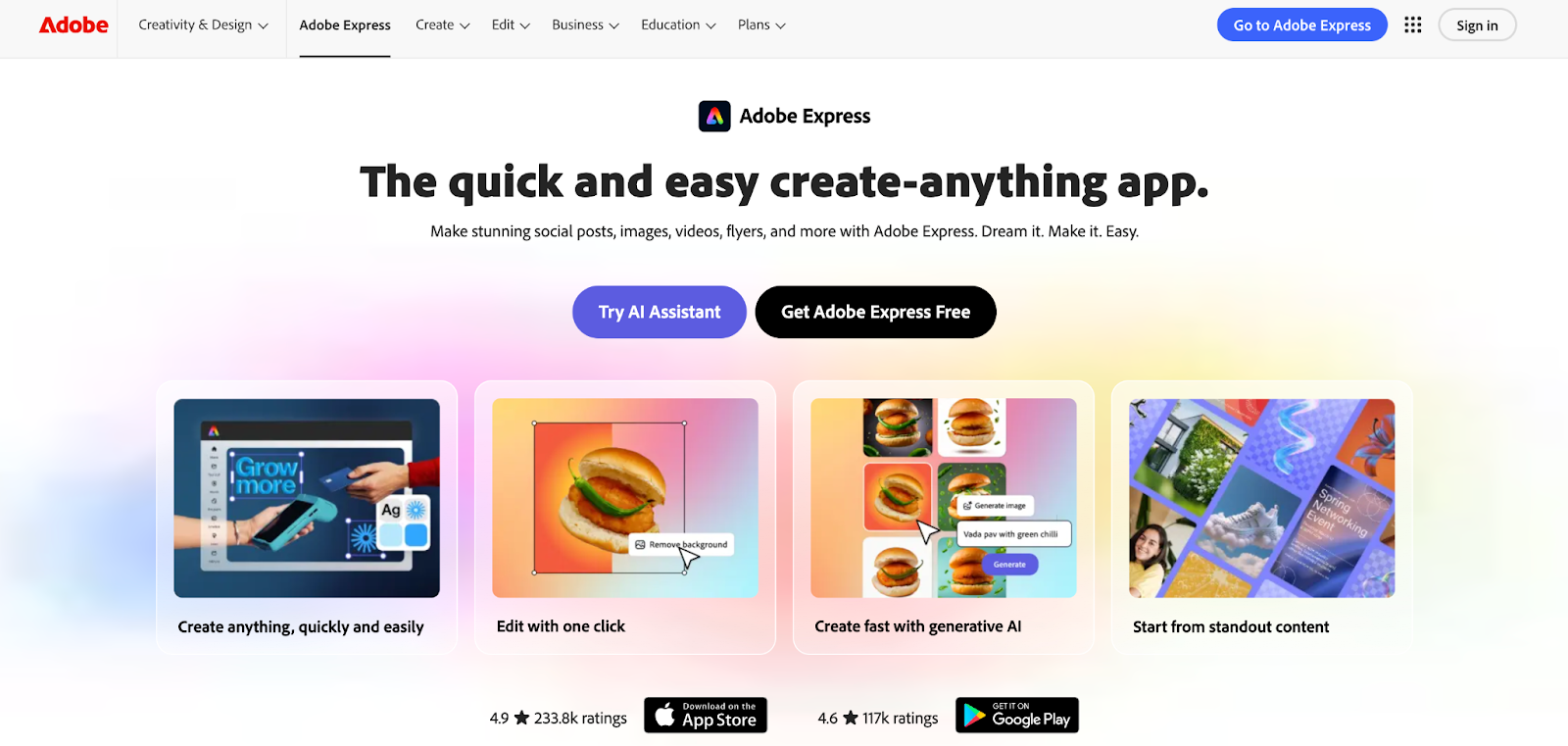
1. Adobe Express - Best Overall Alternative
Best for: Businesses already using Adobe tools, or anyone who wants more for less. If you want the closest match to Canva's ease of use but cheaper and with better AI Adobe Express is the strongest pick.
The free plan includes:
- 100,000+ templates
- 10 Firefly AI credits per month
- 5GB of cloud storage
The paid plan starts at $9.99/month less than Canva Pro, which runs $15/month or $120/year.
More importantly, what makes it stand out for businesses is the Adobe integration. You get access to over 195 million royalty-free Adobe Stock photos and videos. If your team already uses Photoshop or Premiere, assets sync automatically across tools.
Additionally, Adobe Express helps users edit images and change file formats with just a few clicks.
- Verdict: If you want to switch from Canva and barely notice the difference (except on your invoice), start here.
- Source: stylefactoryproductions.com
2. Visme - Best for Business Presentations and Reports
Teams managing large design projects may benefit from unlimited graphic design services for faster and more consistent work.
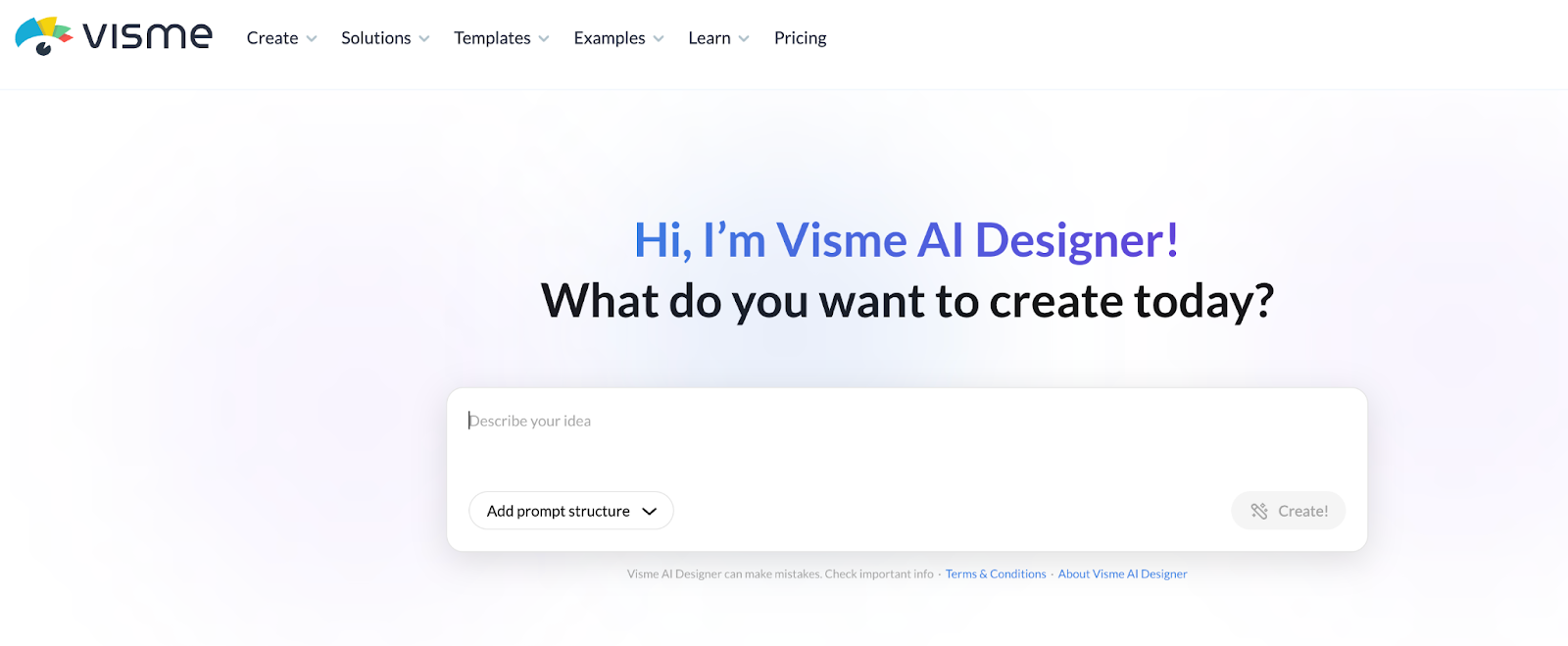
Unlike simpler design tools, visme is built for professional business content. It combines graphic design, charts, and interactive content in one easy-to-use platform. Startups creating pitch decks may also benefit from unlimited presentation design services.
You can build:
- Presentations
- Infographics
- Reports and proposals
- Forms and surveys
- Short videos and animations
It has 10,000+ templates and a free plan that never expires. The Pro plan is $24.75/month (billed annually).
Where Visme wins over Canva for business use is depth. If you're making a quarterly report or a client-facing proposal, Visme's layout and data tools are much more capable. You can embed live data, add interactive charts, and share content with view-only links.
However, the trade-off? It takes a little longer to learn than Canva.
- Verdict: If your team regularly makes documents that need to look professional and communicate data clearly, Visme is worth the extra cost.
- Source: visme.co
3. Piktochart - Best for Infographics and Data Stories
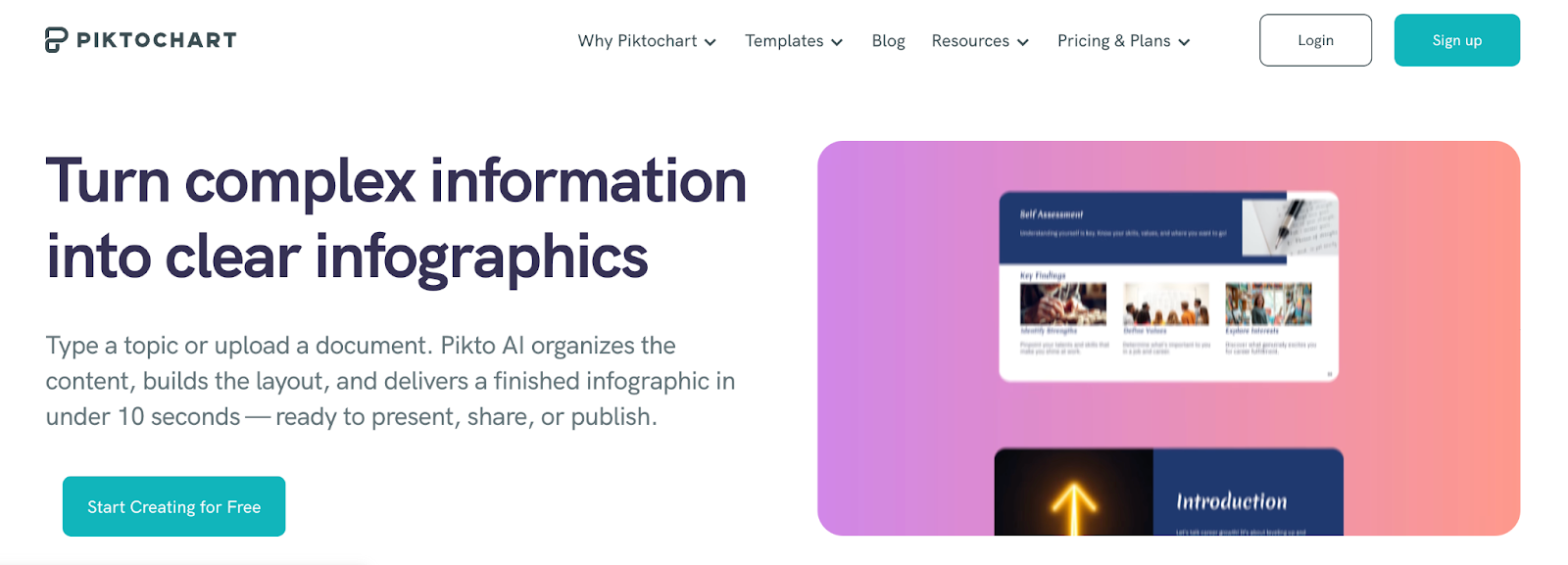
Best for: Marketing and communications teams that explain complex information visually. Interestingly, piktochart has a narrow focus and that's exactly what makes it useful.
It helps teams create infographics, reports, and easy-to-understand charts. If your team regularly needs to take a spreadsheet or research paper and turn it into something a human being would actually read, this is your tool. Here are some real examples of infographics that actually perform.
The Pro plan is $14/month, the most affordable paid option on this list. It includes:
- Unlimited visual downloads
- 100GB storage for uploaded images
- Brand assets and team features
There's also a free plan with enough features to test whether it works for your use case.
Piktochart won't replace a full design suite. But if data storytelling is a regular part of your work, think annual reports, case studies, survey results, it does that one job better than most.
- Verdict: Narrow focus, low price, high value for content-heavy teams.
- Source: piktochart.com
4. Figma - Best for Design Teams and Collaboration
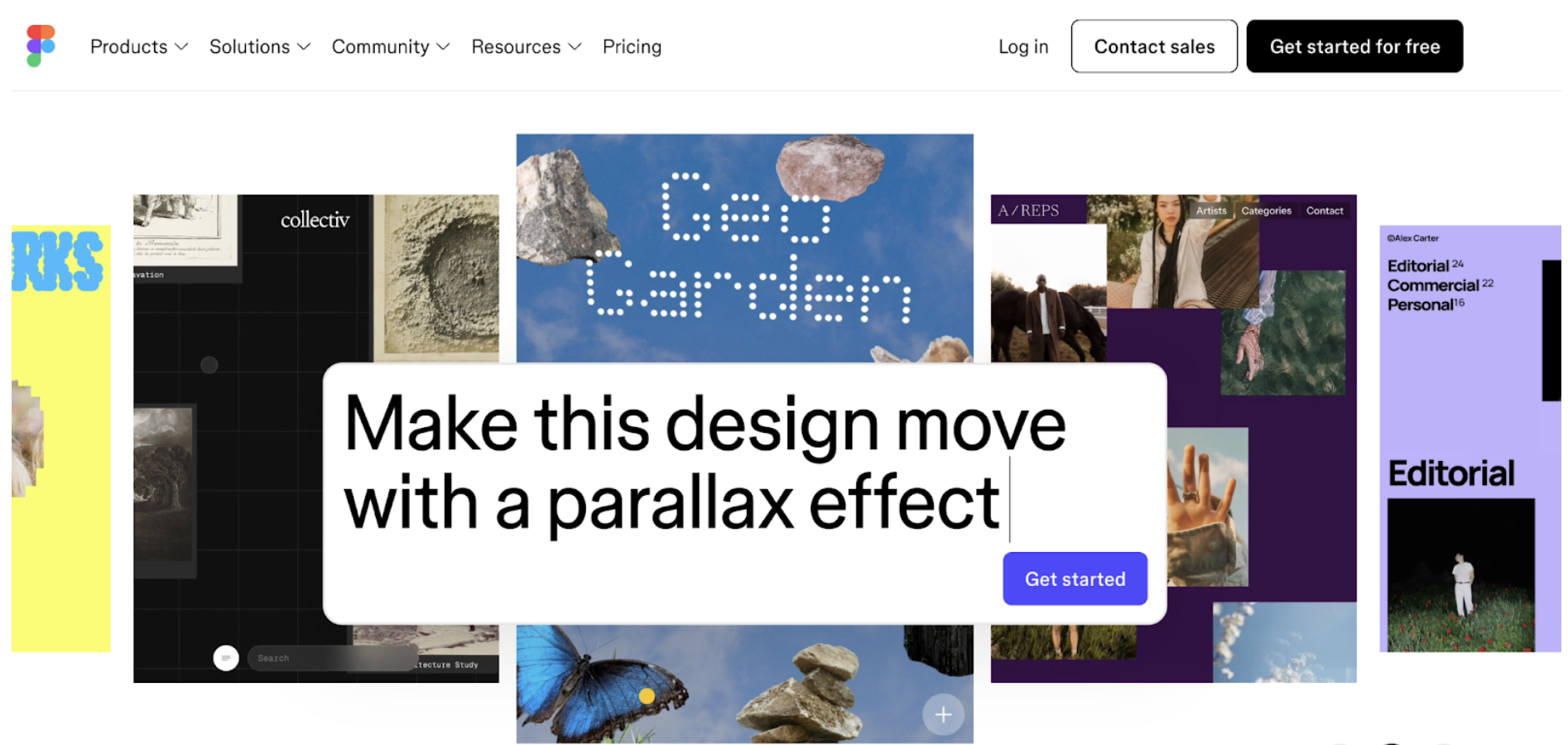
Figma is best for design-focused teams, product teams, anyone building UI or branded assets at scale. Figma is a strong Canva alternatives for businesses that need better teamwork and advanced design tools. It is not a Canva replacement in the traditional sense. It's a professional design tool with a steeper learning curve.
But for businesses with a dedicated designer (or a design-savvy team), Figma is one of the most powerful tools available. Unlike Canva, Figma is made for better teamwork and more advanced design projects.
Pricing:
- Starter (free): Up to 3 design files, up to 3 FigJam boards
- Professional: $12/editor/month (billed annually)
- Organization: $45/editor/month
The collaboration features are best-in-class. Multiple team members can work on the same file in real time, think Google Docs but for design. You can also build shared libraries so brand assets stay consistent across every project.
Figma also works in the browser with no software install needed.
- Verdict: If you have design skills on your team and need real collaboration, Figma is hard to beat. If you're a solo marketer looking for quick social graphics, it's probably too much of a tool.
- Source: figma.com/pricing
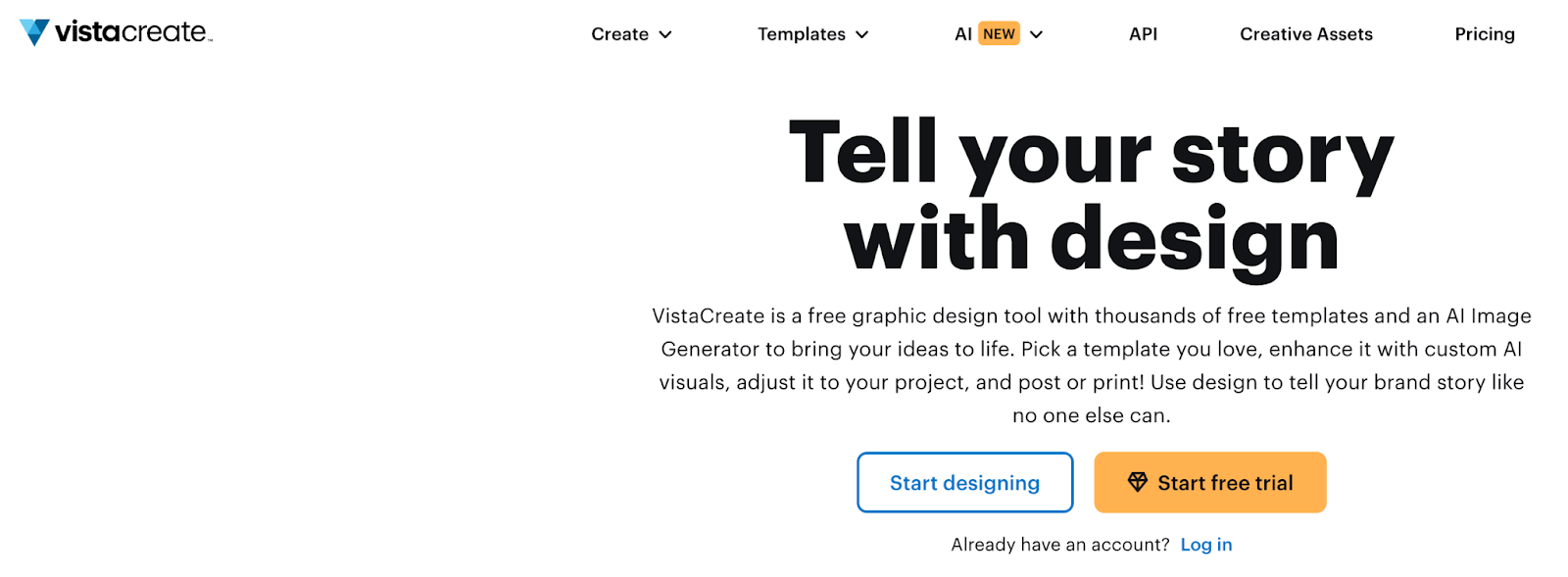
5. VistaCreate - Best Free Alternative for Social Media
Vistacreate is best for small businesses and solo marketers creating social content on a budget. VistaCreate is one of the easiest Canva alternatives for businesses switching from Canva for social media content.
Switching from Canva to VistaCreate feels easy with similar templates and a simple drag-and-drop editor. Businesses focused heavily on social content should also explore the best social media design services for brands in 2026.
Free plan includes:
- 100,000+ templates
- 10GB of file storage
- Animation tools
-
- Pro plan is $13/month and bumps that up to:
- 200,000+ templates
- Millions of stock photos and videos
- Team collaboration features
VistaCreate is especially strong for animated posts and social media content. If your business posts regularly to Instagram, LinkedIn, or TikTok, the animation features are a step above what you get in Canva's free tier.
- Verdict: Best no-learning-curve switch from Canva. Strong free plan. Low-cost Pro tier.
- Source: zapier.com
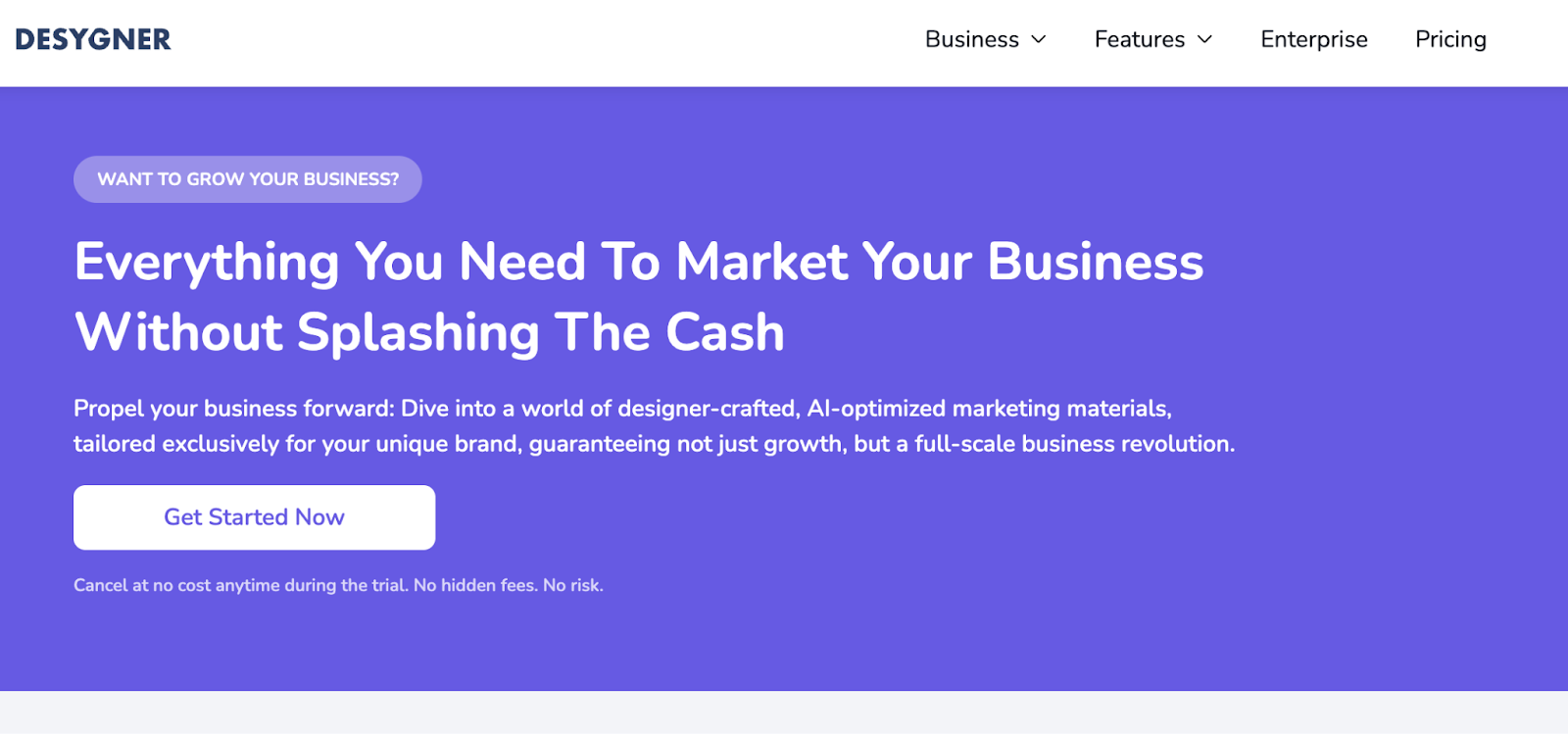
6. Desygner - Best for Multi-Seat Teams on a Budget
Best for: Small businesses that need team access without paying per person. Most design tools charge per seat. Desygner doesn't and that's its biggest advantage for small teams.
- Pro+ plan: $12.95/month for 6 seats
- Business plan: $29.95/month for 6 seats
That means a team of six pays less than $2.17 per person per month on the Pro+ plan. Compare that to Canva Teams at $10 per person per month.
Desygner also has an Auto Design feature you upload a photo, add your text, and it builds a near-complete design with one click. For business owners who don't have time to design from scratch, this is a big time-saver.
With over 150 million users worldwide, it's not a new or untested product.
- Verdict: If your team has 3–6 people and you want shared access without the per-seat pricing model, Desygner is the most cost-efficient option here.
- Source: ddiy.co
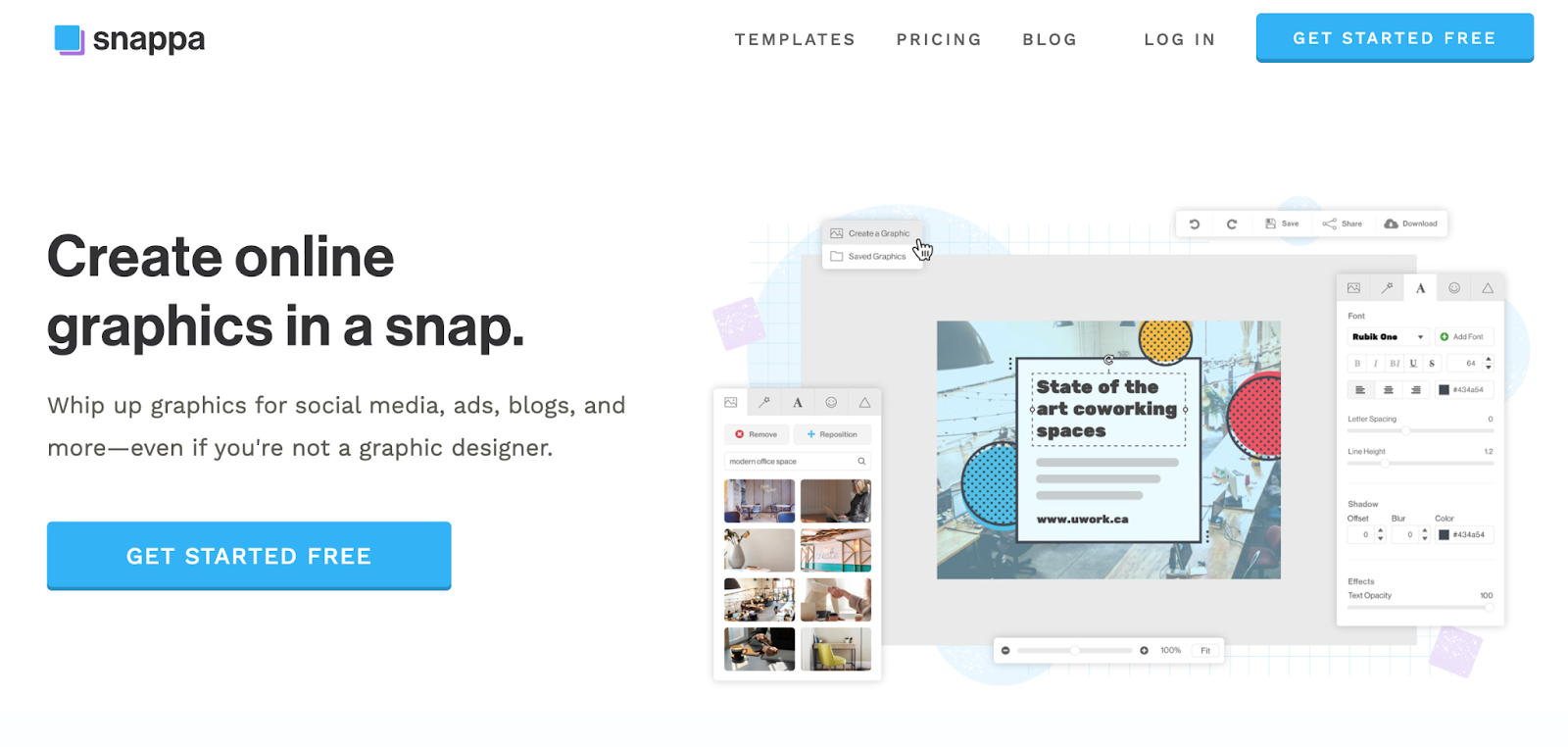
7. Snappa - Best for Fast Social Graphics
Best for: Marketers who need quick, clean social media visuals with zero design knowledge. Snappa was built for speed. Most users create their first professional graphic within minutes of signing up, no tutorials needed.
Pricing: $10/month (single user).
It includes 6,000+ templates and quickly resizes designs for Facebook, Instagram, LinkedIn, and other social platforms.
One important note: Snappa only exports JPG and PNG files. There's no PDF, SVG, or vector support. If your business ever needs print-ready files or scalable logos, this is a real limitation.
- Verdict: Fast, affordable, and simple. Great for social media. Not great for anything that needs to be printed or scaled.
- Source: wyzowl.com
How to Choose the Right Canva Alternatives for Businesses?
The best Canva alternatives for businesses depend on your team size, budget, and design needs.
Here's the short version
- Switching from canva and want the easiest transition?- VistaCreate or Adobe Express
- Need professional reports and presentations? → Visme
- Turning data into visuals regularly? → Piktochart
- Have a design team that needs real collaboration? → Figma
- Small team, tight budget, need multi-seat access? → Desygner
- Just need fast social graphics and nothing else? → Snappa
Conclusion
Canva alternatives cost less and offer useful tools for different teams. Canva’s price hike surprised many businesses.
The silver lining is that the market for design tools has never been better. You have more choices, at better prices, than you did three years ago.
Businesses can explore graphic design ROI for small businesses before investing in long-term creative and design support.
If DIY tools are slowing you down, you can also explore unlimited graphic design services for consistent, scalable output without hiring in-house. Pick the tool that fits how your team actually works, not the one with the biggest marketing budget.
FAQ
What is the best Canva alternative for businesses?
Adobe Express is the best overall Canva alternative for businesses due to its lower pricing, AI features, and Adobe ecosystem integration.
Are there free Canva alternatives?
Yes, tools like VistaCreate, Piktochart, and Adobe Express offer free plans with enough features for small teams and beginners.
Which Canva alternative is best for teams?
Figma is best for collaboration-heavy teams, while Desygner is ideal for teams that want multiple users without paying per seat.
What is better than Canva for infographics?
Piktochart and Visme are better for infographics because they offer stronger data visualization and reporting features.
Is Canva still worth it in 2026?
Canva is still useful for basic design tasks, but many businesses are exploring alternatives due to pricing changes and limited advanced features.
About the author

Sameena is an Organic Growth Specialist and Content Writer at Design Shifu, crafting SEO-driven content that boosts visibility, builds brand authority, and drives meaningful organic growth.