In this blog

Need a design partner that scales with you?
See exactly how Design Shifu can become your on-demand design team. Book a free demo call.
AI tools for graphic design is an application of artificial intelligence technology that assists users in creating and designing visual content. Some of the tasks that can be done using AI-based graphic design software include photo editing, logo creation, image generation, removal of backgrounds, suggesting color schemes, and automation of design-related tasks
AI has brought about a revolution in the domain of graphic design. Tasks which would require several hours such as creation of visuals, editing images, and creating content pieces for social media are now being performed within a few minutes through the help of artificial intelligence technology.
Considering the wide variety of AI technologies available in 2026, selection of the proper one is often difficult. While some offer high-quality services, others may prove to be low-cost. Some are absolutely free to use for individual purposes, but not commercially.
In this article, we explore 17 best AI tools for graphic design.
How AI Has Changed Graphic Design? (And What It Means for You)
Three years ago, AI design tools were a novelty. You'd type a prompt and get something blurry and weird.
Not anymore.
In 2026, AI handles things that used to take hours. Background removal. Logo drafts. Social post layouts. Campaign images. Even readable text inside graphics, something AI famously got wrong until recently. The result? Design is faster and cheaper than ever. A solo founder can make professional-looking visuals without hiring anyone. A marketing team of three can produce content that used to need a team of ten.
But this speed comes with real questions. Which tool is actually worth paying for? Which ones let you use the output in paid campaigns? And who actually owns what AI creates? This guide answers all of it. We tested 17 of the best AI tools for graphic design, across image generation, vector, templates, photo editing, and motion, so you can pick the right one for the job.
Quick-Reference Comparison Table
Wondering how AI tools stack up against classics like Photoshop and Illustrator? Here’s a look at the traditional graphic design software tools still used by professionals.
Best AI Tools for Graphic Design: Image Generation
These tools turn a text description into an original image. Use them for campaign visuals, mood boards, concept art, and social graphics.
1. Midjourney
Midjourney still makes the best-looking AI images available. Designers use it for mood boards, ad visuals, and concept art. The output comes out polished and detailed, you don't need to fix it much before using it.
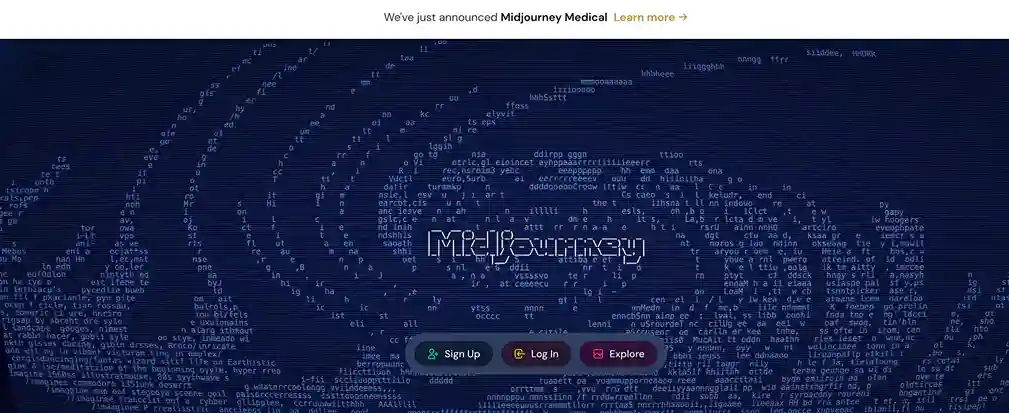
The $10/mo Basic plan gives you 200 image generations per month. That sounds like a lot. For daily business use, it runs out in the first week. And once it's gone, you can't generate more until next month. Basic doesn't include Relax Mode as a fallback.
- Best for: Marketing campaigns, mood boards, editorial art, high-quality concept visuals
- Pricing: $10/mo (personal, 200 gen/mo) | $30/mo for commercial use | $60/mo Pro
Pros:
- Best raw image quality of any AI generator right now
- Consistent visual style across a series of images
- Large community with prompt guides and inspiration
Cons:
- No free trial
- Operates through Discord- awkward for first-time users
- $10 Basic plan = personal use only. Commercial work needs the $30/mo Standard plan
2. Reve -Best value image generator
AI tools for graphic design Reve is the biggest newcomer to watch. According to AI ranking platform Artificial Analysis, Reve Image 1.0 is now ranked #1 for image quality beating Midjourney v6.1, Google Imagen 3, and Recraft V3. And the price? $0.01 per image. That's 500 images for $5. Compared to Midjourney's $30/mo plan, Reve is roughly 83% cheaper per generation.
It also handles text inside images better than most tools which makes it a genuine all-rounder.
- Best for: Teams who need high-quality images at volume without the Midjourney price tag
- Pricing: Free (20 images/day) | $5 per 500 images (pay-as-you-go) | Subscription from $20/mo
Pros:
- #1 rated image quality on independent benchmarks
- Cheapest cost per image of any premium generator
- Strong text rendering, rare at this price point
- Free daily allowance with no subscription needed
Cons:
- Newer platform smaller community and fewer prompt resources
- Less brand recognition than Midjourney (but the output speaks for itself)
3. Ideogram- Best for text inside images
Most AI image tools are terrible at putting words inside designs. The text comes out blurry, misspelled, or just broken. Ideograms are different. It achieves 90–95% text rendering accuracy compared to just 30–40% for Midjourney and 50–60% for DALL·E 3. That means roughly 9 out of 10 generations get the text right, the first time.
For posters, social graphics, product labels, or anything where a readable headline is part of the visual Ideogram is the tool to use.
- Best for: Social media graphics with text, poster design, typographic visuals, product labels
- Pricing: Free tier available | Paid from $8/mo
Pros:
- Best text-in-image accuracy of any AI tool (90–95% vs 30–40% for competitors)
- Clean, commercial-safe outputs on paid plans
- Fast generation speed
Cons:
- Not the strongest for photorealistic or cinematic images
- Style range narrower than Midjourney or Reve
4. Leonardo AI- Best free tier
Leonardo AI has the most generous free tier of any image generator. You get 150 tokens every day, which resets every 24 hours. A standard image costs 5–8 tokens, so that's roughly 18–30 images per day, for free. Beyond generation, it has a proper Canvas editor with in-painting tools (edit parts of an image without regenerating the whole thing). It also lets you train the AI in your own style by uploading 10–20 reference images.
- Best for: Designers on a tight budget, teams exploring AI before committing to a paid plan
- Pricing: Free (150 tokens/day) | Paid from $12/mo
Pros:
- 150 free tokens per day, best free allowance in the market
- Canvas in-painting editor (edit specific areas of an image)
- Style training on your own reference images
- Works in a web app, no Discord needed
Cons:
- Free plan: Leonardo retains rights to use your images (you get commercial licence, but they can also use them)
- Paid plan required for full commercial ownership
- Output quality below Midjourney and Reve at the top end
5. DALL·E 3 (via Chat GPT)
If your team already uses ChatGPT, DALL·E 3 is built right in. Type what you want, get an image, then revise it in plain English "make it warmer," "remove the background," "change the font to something bolder." No prompt engineering. No new app to learn.
OpenAI gives you full commercial rights to everything you create, no plan upgrade required.
- Best for: Non-designers who need visuals fast; teams already inside the ChatGPT ecosystem
- Pricing: Included with ChatGPT Plus ($20/mo)
Pros:
- Plain English revisions, easiest back-and-forth of any image tool
- Full commercial ownership of all outputs
- No extra subscription if you already use ChatGPT
Cons:
- Image quality below Midjourney and Reve for professional work
- Limited fine control over visual style
Best Tools for Logo Design: Vector & Logo
Most AI tools make raster images (JPEGs/PNGs). Fine for screens. Not fine for logos, print, or anything that needs to scale. These tools fix that.
6. Recraft - Best for SVG & vector output
Recraft is the only major AI tool that generates native SVG files not a JPEG converted into a vector, but real, clean vector paths ready for print or logo use at any size.
- Best for: Logos, icon sets, print-ready brand assets, scalable graphics
- Pricing: Free tier | Paid from $12/mo
Pros:
- True SVG output, no quality loss at any scale
- Style controls: flat, line art, detailed illustration, 3D
- Commercial licence on paid plans
Cons:
- Smaller community than Midjourney or Leonardo
- Not built for photorealistic images
7. Looka
Looka does one thing well: builds logos. Answer 5 quick questions about your brand. Pick a style. Download a full logo kit icon, wordmark, colour palette, business card template. It's not as custom as a hand-crafted logo. But for a new brand that needs something professional in 10 minutes, it delivers.
- Best for: Startups and small businesses that need a logo now
- Pricing: One-time from $20 (logo files) | Full brand kit from $96/mo
Pros:
- Full brand kit in one go, not just a single image
- Commercial rights included with every purchase
- Zero design experience needed
Cons:
- You pay to download, no free logo files
- Outputs can feel similar across different brands
Note: AI logo tools work best when you have a clear brief industry, tone, colour direction, and any style references. The more specific your input, the stronger the output. Vague prompts produce generic logos.
Best AI Tools for Graphic Design: Layout & Templates
These are the everyday tools social posts, email headers, ads, presentations.
8. Canva Magic Studio
Canva is still the most-used design tool for non-designers. The AI layer Magic Studio makes it even faster. Type a prompt, get a full layout. Need a copy? Magic Write handles it. Need a background removed? Done in one click
- Best for: Social media graphics, presentations, email banners, team collaboration
- Pricing: Free (generous) | Pro: $15/mo per person
Pros:
- 100M+ templates, largest library in the market
- Real-time team collaboration built in
- One tool covers most day-to-day design needs
Cons:
- AI images on the free plan cannot be used commercially
- Designs risk looking the same as competitors who use the same templates
- Not suitable for complex, high-end brand work
9. Kittl
Kittl is what you use when Canva templates start to look too generic. It's built for brand design logos, merchandise, print assets. The AI generator and vector editor work side by side in one workspace.
- Best for: Brand identity, merchandise, print work, professional logo refinement
- Pricing: Free tier | Paid from $10/mo
Pros:
- AI image generation + vector editing in one tool
- 10,000+ templates including print-ready formats
- Strong aesthetic controls — choose your style before generating
- Commercial licence on paid plans
Cons:
- Steeper learning curve than Canva
- Team collaboration less polished than Canva or Figma
10. Freepik AI Suite- Best stock + AI combo
Freepik has transformed from a stock photo site into a full AI creative suite. In 2026 it combines 200M+ stock photos, vectors, illustrations, and templates with an AI generator powered by 39+ models including Flux, Google Imagen, and Kling for video. If you regularly buy stock imagery and use an AI image tool, Freepik collapses both into one subscription. Trusted by over 700,000 creative professionals.
- Best for: Designers and marketers who need both stock assets and AI generation
- Pricing: Free tier | Essential from $9/mo | Premium from $19/mo
Pros:
- 200M+ stock assets + 39+ AI models in one platform
- Covers images, video, audio, and design templates
- Strong value vs. maintaining separate stock + AI subscriptions
Cons:
- Interface can feel overwhelming with so many options
- Free tier has strict commercial use limits
11. Adobe Express
Adobe Express sits between Canva (quick and simple) and Photoshop (powerful but complex). Its AI is powered by Adobe Firefly meaning all AI-generated content carries full commercial clearance out of the box.
- Best for: Teams in the Adobe ecosystem; branded marketing content at speed
- Pricing: Free tier | Paid from $9.99/mo (or bundled with Creative Cloud)
Pros:
- All AI outputs are commercially licensed — no grey areas
- Brand kit integration with Adobe Creative Cloud
- Solid free tier with real usefulness
Cons:
- Smaller template library than Canva
- Less intuitive outside the Adobe ecosystem
Best AI Tools for Graphic Design: Professional Tools
Already using Photoshop or Figma? Here are the AI upgrades that are genuinely worth it.
12. Adobe Firefly (Photoshop + Illustrator)
Adobe Firefly is the AI engine inside Photoshop and Illustrator. You use it without leaving the tools you already know. The standout fact: Adobe trained Firefly exclusively on licensed images. That makes it the only major AI tool that offers explicit commercial indemnification, Adobe stands behind your commercial use of anything Firefly creates.
- Best for: Professional designers who need legally safe AI generation inside Photoshop and Illustrator
- Pricing: From $9.99/mo | Bundled in most Creative Cloud plans
Pros:
- Only AI tool with Adobe's commercial indemnification, safest for client work
- Generative Fill inside Photoshop is best-in-class for photo compositing
- Works inside tools your team already uses
Cons:
- Credit system feels limited on entry plans
- Requires an Adobe subscription for full access
13. Figma AI
If you design websites, apps, or dashboards, Figma is the industry standard. Its AI features layout suggestions, component generation, and smart library search make production work noticeably faster for UI/UX teams.
- Best for: UI/UX designers, product teams, digital product design
- Pricing: Free (up to 3 projects) | Paid from $15/mo per editor
Pros:
- Industry standard for digital product design
- Best-in-class real-time team collaboration
- AI features slot naturally into existing workflows
Cons:
- Not suited for print, logos, or social content
- AI generation still maturing vs. dedicated tools
Best AI Tools for Graphic Design: Photo Editing
14. LightX
LightX is a mobile-first AI photo editor. Background removal, object erasing, portrait retouching, and generative fill, all fast and reliable without needing Photoshop.
- Best for: Product photography, background removal, social image editing on mobile
- Pricing: Free tier | Paid from $9.99/mo
Pros:
- Best-in-class mobile photo editing experience
- Background removal and generative fill work accurately
- Significantly cheaper than Adobe for simple edits
Cons:
- Less powerful than Photoshop for complex compositing
- Output resolution can limit large-format print use
Best Free AI Tools for Graphic Design
15. Autodraw (by Google)
Autodraw is 100% free, needs no account, and does one thing: it turns rough sketches into clean icons in seconds. Google's AI recognises what you're drawing and suggests polished versions instantly. Not for complex designs. But for a quick diagram element, icon, or presentation sketch? Nothing is faster.
- Pricing: Free forever | AutoDraw.com
Pros: Fully free, instant, no sign-up |
Cons: Very limited scope, icons and simple shapes only
16. OpenArt - Widest Model Selection
OpenArt gives you access to 100+ AI image models from one platform, including Stable Diffusion, SDXL, Midjourney-style models, and more. If you want to experiment across different AI engines without managing separate subscriptions, OpenArt is the most efficient way to do it.
- Pricing: Free tier | Paid from $14/mo
Pros: 100+ models in one place; good for experimentation and style exploration
Cons: Can be overwhelming to navigate; quality varies significantly between models
Best AI Tools for Graphic Design: Motion & Video
17. Runway & Pika
Motion has moved into the everyday design workflow. Pika and Runway both generate short video clips or animations from a text prompt or a still image.
Pika is simple, great for social reels and quick animated posts. Runway is more powerful and better for product demos and professional motion work.
- Pricing: Free limited tiers | Paid from $15/mo
Pros:
- Turns static assets into video without any video production background
- Real time-saver for animated social content
Cons:
- Quality varies significantly depending on the prompt
- Read commercial rights carefully before using in paid campaigns
The Copyright Question Nobody Else Answers
This is the question most roundups skip entirely. Here's the honest answer.
Who owns AI-generated images? In most countries, AI-generated images can't be copyrighted by anyone neither you nor the AI company. But you can still use them commercially. It just depends on what each tool's terms actually say.
The rule of thumb: If you're using AI-generated images in a paid ad, a client deliverable, or a product, verify your plan includes commercial rights. The free tier almost never does.
How to Choose the Right AI Tool for Graphic Design?
Not sure which tool to start with? Here are three real scenarios
Scenario 1: You're a solo founder or non-designer
You need to produce social posts, pitch decks, and the occasional logo, but you're not a designer and don't want to spend hours learning a new tool.
- Start with: Canva AI. Add Reve for custom images when Canva's library isn't enough. Use Looka if you need a logo fast.
- Budget: $0–$15/mo
Scenario 2: You're a marketing manager producing 30+ assets a week
You need volume, speed, brand consistency, and commercial safety, across social, email, ads, and print.
- Start with: Canva Pro ($15/mo) for templated content + Freepik AI Suite ($9/mo) for custom images without managing a separate stock subscription. Add Adobe Firefly if your team uses Creative Cloud.
- Budget: $24–$45/mo across 2–3 tools
Scenario 3: You're a freelance or in-house designer adding AI to your workflow
You already know Photoshop or Figma. You want AI to speed up, not replace your creative process.
- Start with: Adobe Firefly inside Photoshop for image editing. Add Midjourney Standard ($30/mo) or Reve for concept generation. Use Recraft for any SVG or vector output.
- Budget: $40–$60/mo
Quick use-case lookup:
How do professional designers use AI?
Most professionals don't rely on one AI tool. A typical workflow looks like this:
- Generate ideas with ChatGPT.
- Create concepts using Midjourney or Firefly.
- Refine graphics in Photoshop or Illustrator.
- Build layouts in Figma or Canva.
- Remove backgrounds and upscale images.
- Review branding, typography, and accessibility before publishing. AI is increasingly used to automate repetitive work while designers make the creative decisions.
Can AI replace graphic designers?
No. AI can automate repetitive tasks like background removal, image generation, resizing, and layout suggestions, but it cannot replace human creativity, brand strategy, storytelling, or design judgment. The best results come from designers using AI as a productivity tool rather than relying on it for final creative decisions.
When AI Tools Hit Their Limit
AI tools are fast. They're getting better every month. But they still hit a wall.
They can't carry your brand strategy across 10 different formats and make every one look consistent. They can't brief themselves. And when your team has 50 design requests in a queue social posts, email banners, sales decks, pitch docs, ad variants juggling four separate AI tools across three different subscriptions is its own full-time job.
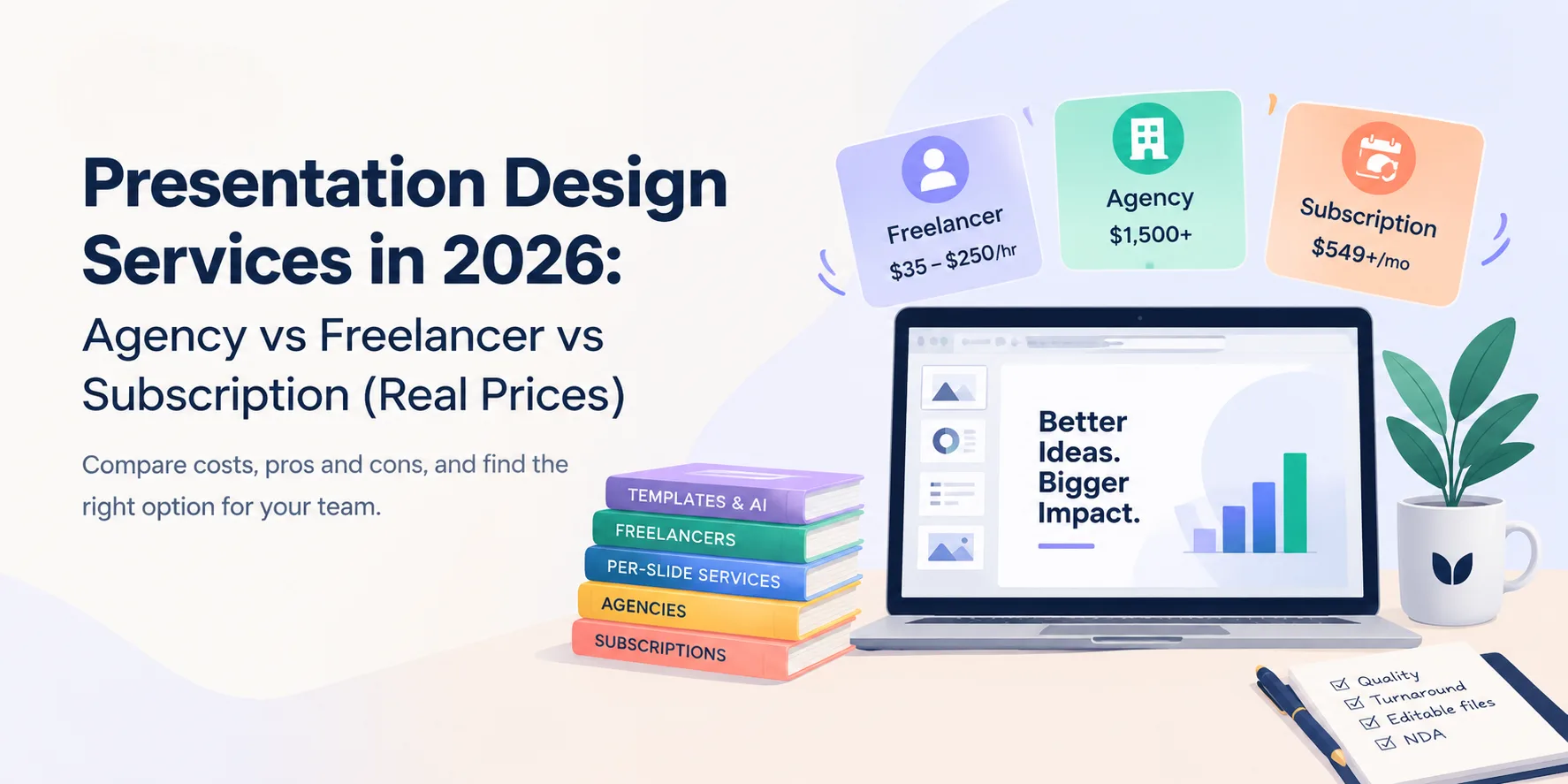
That's where Design Shifu works differently. One flat monthly fee. Unlimited design requests. A real design team that knows your brand, handles every format, and delivers in 24 hours. No tool juggling. No inconsistent outputs. No per-image billing. Plans start from $549/mo. See how it compares to in-house, freelance, and AI tools
FAQ
What is the best AI tool for graphic design in 2026?
It depends on your use case. For the highest image quality at the lowest cost, Reve is now ranked #1 on independent benchmarks at just $0.01 per image. For readable text inside images, Ideogram leads at 90–95% accuracy. For legally safe AI generation in Photoshop, Adobe Firefly is the safest commercial choice. For everyday social media content, Canva Magic Studio is the fastest workflow.
Are AI-generated designs copyright-free?
Not automatically. In most countries, AI-generated images can't be copyrighted by anyone, but you can still use them commercially depending on the tool and plan. Adobe Firefly and DALL·E 3 (ChatGPT Plus) gives full commercial rights on all paid plans. Midjourney requires the $30/mo Standard plan for commercial use. Canva's free plan does not cover AI-generated images used in paid campaigns. Always check your plan's terms before using AI assets in client or paid work.
Can AI tools replace graphic designers?
No, not for complex or brand-critical work. AI tools are excellent at speed and volume for simple tasks. They struggle with brand strategy, cross-format consistency, and creative direction across a large project. Most professional design teams in 2026 use AI to move faster, not to remove creative thinking from the process.
What is the best free AI tool for graphic design?
Leonardo AI offers the most generous free tier- 150 tokens per day, resetting every 24 hours, which gives roughly 18–30 images per day. Autodraw by Google is 100% free with no account needed, but only handles simple icons. Canva's free plan is the strongest all-rounder for layout and templates, though AI image commercial rights require a Pro subscription.
Which AI tool is best for making logos?
Kittl and Looka are both purpose-built for logos. Kittl gives more creative control with a built-in vector editor. Looka is faster and delivers a full brand kit logo, icons, colour palette, and business card template in one step. Recraft is worth exploring if you need a native SVG output. For a logo that genuinely needs to stand out, a professional designer still delivers better results than any of these.
Is Reve better than Midjourney in 2026?
According to AI model ranking platform Artificial Analysis, Reve Image 1.0 now scores higher than Midjourney v6.1 for image quality. It also costs roughly 83% less per image ($0.01 vs. Midjourney's effective per-image cost on the $30/mo plan). The main advantage Midjourney still holds is its established community, extensive prompt resources, and wider style range built up over several years
About the author

Sameena is an Organic Growth Specialist and Content Writer at Design Shifu, crafting SEO-driven content that boosts visibility, builds brand authority, and drives meaningful organic growth.